



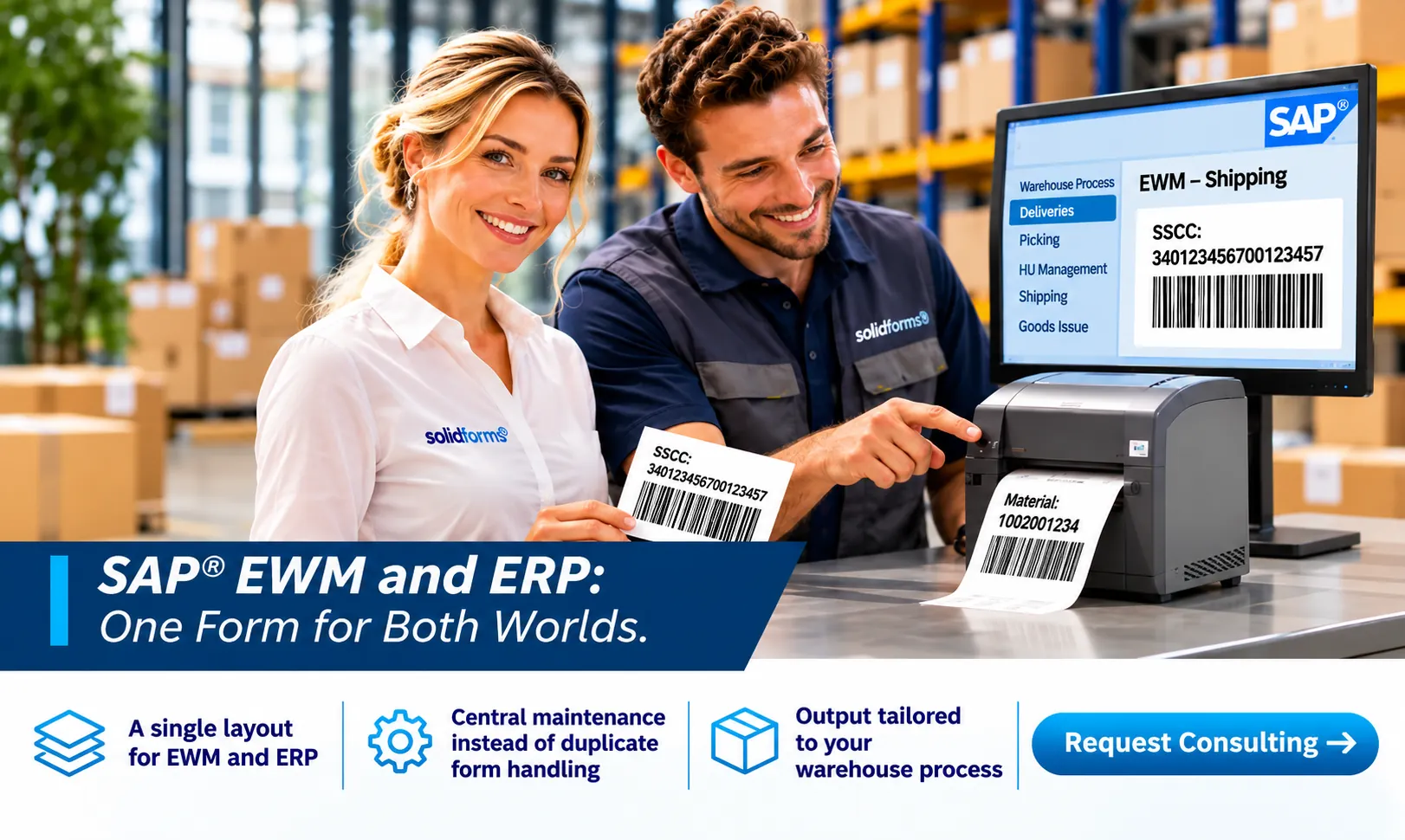
SAP® EWM Forms: Consistent Output from EWM and ERP
Develop delivery notes, SSCC labels and other SAP® forms centrally and output them from both EWM and ERP.
✓ One Layout for EWM and ERP
Consistent documents across both warehouse environments.
✓ Central Maintenance Instead of Duplicate Forms
Shared layouts reduce maintenance effort.
✓ Output Tailored to Your Warehouse Processes
ERP- and EWM-specific data retrieval with one shared form.
Two Warehouse Environments – Often Twice the Form Development
For EWM-managed storage locations, printing is often triggered by EWM actions. At locations not managed by EWM, output is generated directly through ERP or S/4HANA processes. If these solutions are developed independently, separate forms are created for documents serving the same business purpose.
Conventional: Two Separate Forms
✕ Duplicate layout maintenance and additional testing whenever changes are made
solidforms: One Shared Form
✓ Consistent output from both processing paths

The Architecture: Shared Layout, Flexible Data Retrieval
The key is a clear separation between form layout and data retrieval. An Adobe form developed by our SAP® form development team uses a consistent data structure. Depending on the triggering process, an ERP- or EWM-specific ABAP class supplies the required data.
This allows the underlying technical data models to differ while the visible document remains the same. Reusable functions and clearly defined interfaces simplify maintenance.
With decentralized EWM, output can, for example, be triggered via an RFC-enabled function in ERP. With embedded EWM, the architecture is designed for the shared S/4HANA system landscape.
Our goal: Rather than forcing everything into one complex print routine, we consistently reuse the common components.
Practical Examples from EWM and ERP
The following use cases show how shared forms can be used across different warehouse processes.

Delivery Notes from ERP and EWM
The delivery note is developed once as an Adobe form. It can be output directly from an ERP process or from EWM. Where required, EWM calls a central ERP printing function.

SSCC Labels for Handling Units
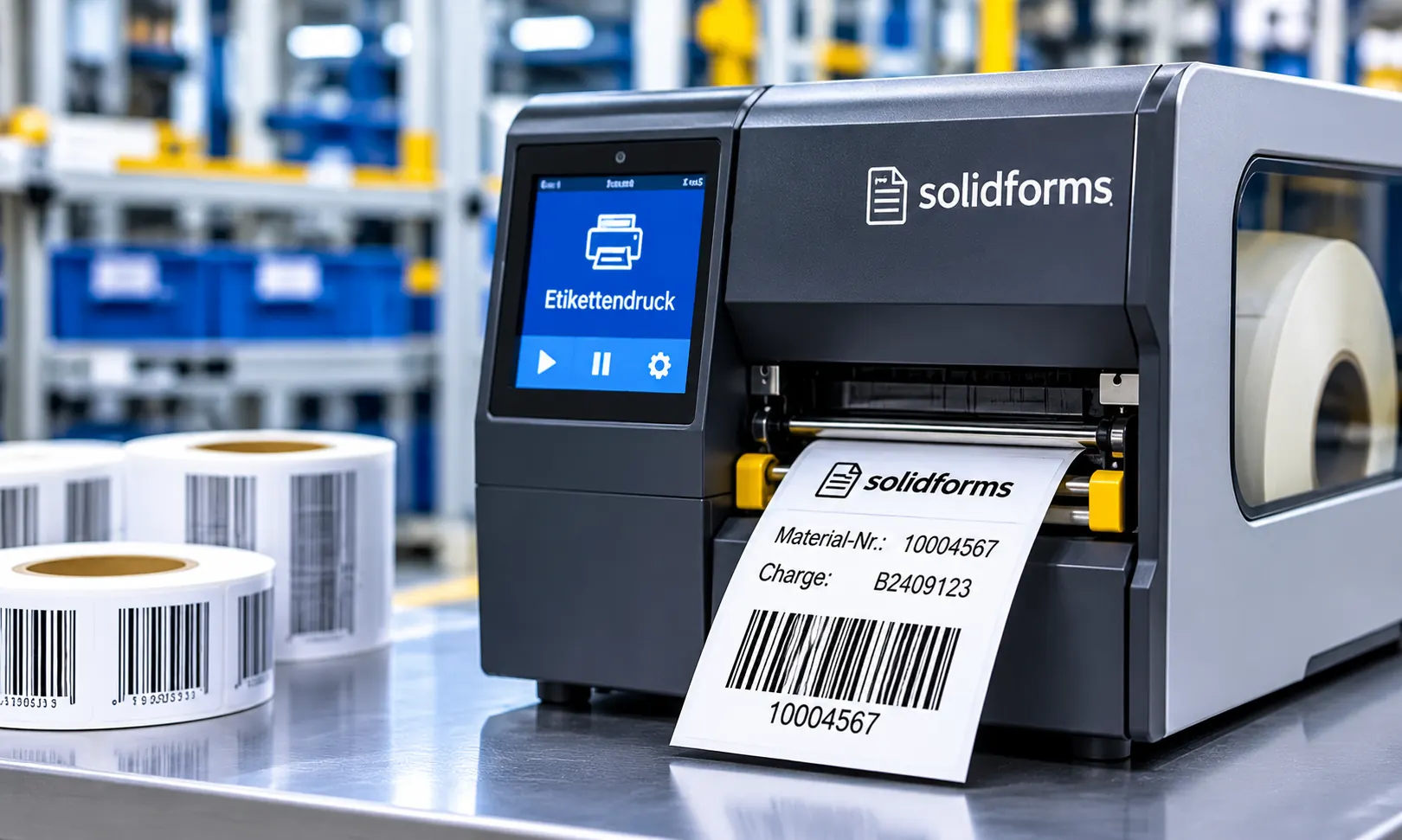
An SSCC label layout for SAP® Label Printing is used for both ERP handling units and EWM handling units. The respective data class retrieves the correct information while the form layout remains identical.

PPF Actions and Print Control
In EWM, PPF actions and the associated print control can trigger output. We take account of print timing, printer determination, handling units and calls to the shared form.
Your Benefits from a Shared Forms Architecture
A shared layout not only creates a consistent appearance. It also reduces the effort required for further development, quality assurance and operations.
✓ Develop Once
One shared form layout for documents serving the same business purpose.
✓ Maintain Centrally
Update texts, layouts and design in one place. Complementary SAP® Label Management supports consistent label management.
✓ Separate Data Logic
ERP- and EWM-specific classes instead of complex conditional logic.
✓ Consistent Documents
Identical delivery notes and labels regardless of warehouse location.
✓ More Focused Testing
Clearly defined variants and data sources make regression testing easier.
✓ Flexible Extensions
New output channels can be integrated into an existing forms architecture.
How We Deliver Your SAP® EWM Forms Project
We begin by analyzing existing storage locations, document types and print processes – not by immediately programming a new form.
1
Analysis
Identify EWM and ERP storage locations, print timing, handling units, output channels and existing forms.
2
Forms Strategy
Identify shared layouts and define data structures and system-specific interfaces.
3
Development
Integrate the Adobe form, data retrieval classes and print calls in ERP and EWM.
4
Testing & Go-Live
Test both process paths with relevant document and warehouse scenarios and move them into production.
Frequently Asked Questions About SAP® EWM Forms
Can the same form print delivery notes from EWM and ERP?
Yes, provided the business requirements are compatible and both output paths use a shared form layout. Depending on the architecture, EWM can call an ERP printing function.
How does a shared SSCC label work for ERP and EWM handling units?
Data is provided by the respective ERP and EWM classes and mapped to a shared form interface. This allows the same layout to be used for both handling-unit processes.
Does this approach also work with embedded EWM?
In principle, yes. The exact technical implementation depends on whether EWM is embedded or decentralized, which output frameworks are used and how data retrieval is organized.
Do all forms really have to be consolidated?
No. Different business requirements may justify separate forms. The goal is sensible consolidation without unnecessary complexity.
One Form for EWM and ERP – Let’s Discuss Your Project.
We analyze your warehouse and printing processes and develop a maintainable forms architecture for both SAP® environments.
Other Services: SAP® Form Development · SAP® Label Printing · SAP® Label Management