









solidforms | WooCommerce product description SAP® QM 8D Report
SAP® QM · Adobe Forms
SAP® QM 8D Report – Professional documentation of complaints and corrective actions
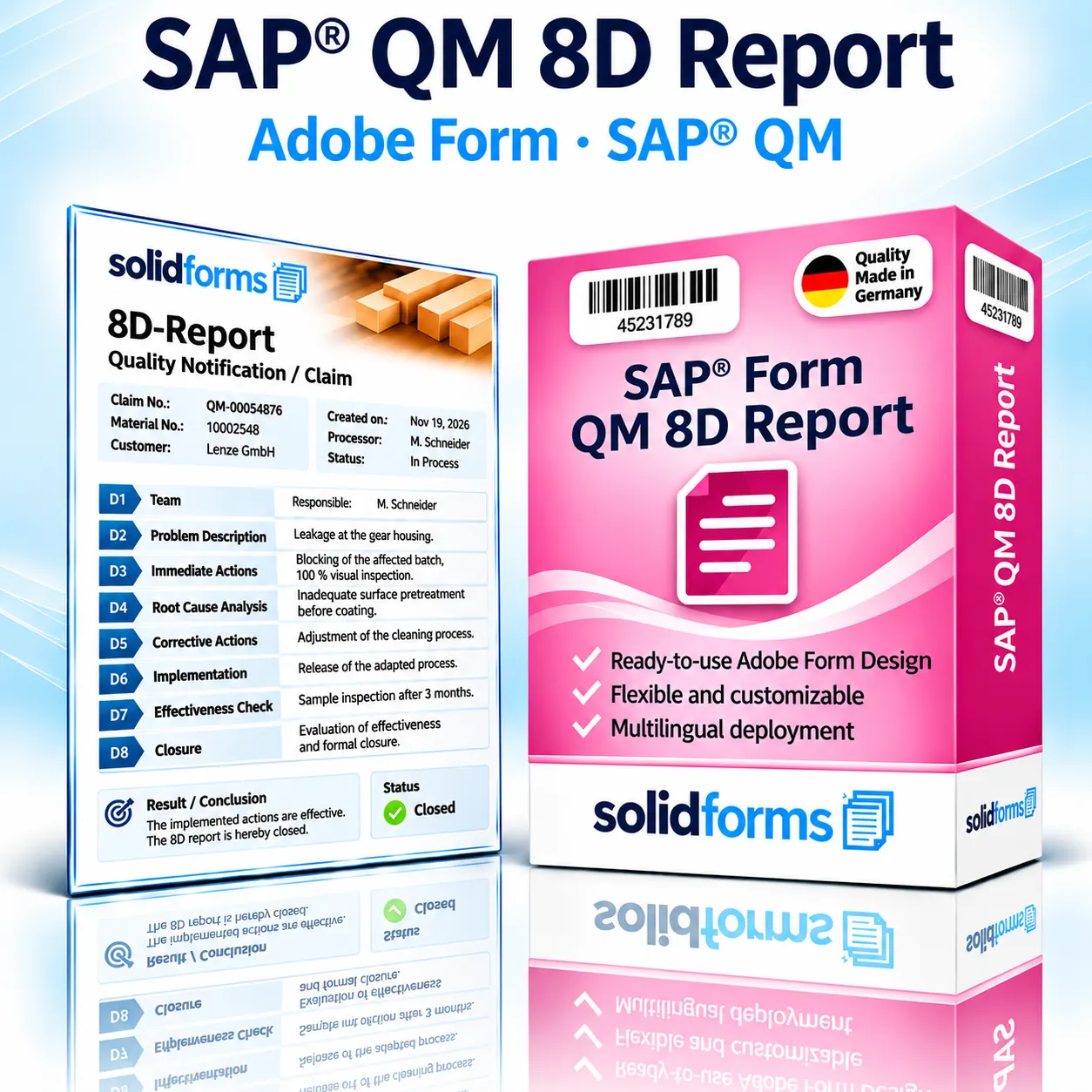
The SAP® QM 8D Report form provides a clear PDF report for documenting the structured handling of quality issues and complaints. The Adobe Forms template covers all eight disciplines of the 8D method – from problem description and root cause analysis to corrective actions, effectiveness verification and closure.
Your benefits at a glance
- Consistent presentation of all eight disciplines, D1 to D8
- Traceable documentation of defects, root causes and corrective actions
- Professional Adobe form in your company’s corporate design
- Suitable for internal quality assurance and customer communication
- Custom integration with your SAP® QM data and processes is possible
Your benefits
One consistent 8D report for quality management and complaint handling
Structured problem solving
The eight disciplines provide a clear, traceable process from identifying a problem through to closure.
Transparent action tracking
Responsibilities, deadlines, status and results can be presented clearly.
Consistent customer communication
A consistent reporting format supports communication with customers, suppliers and internal departments.
In the business process
8D reporting in SAP® Quality Management
8D reports are used particularly for customer complaints, supplier nonconformities and recurring quality issues. In SAP® environments, information from quality notifications, material and batch master data, defect items, tasks and activities can provide the basis for the report.
The data that can actually be provided automatically depends on the QM process, customer-specific enhancements and agreed form integration. The form does not replace professional root cause analysis or maintenance of QM transactions in the SAP® system.

The eight disciplines
D1 to D8 – every problem-solving step in one report
D1 · Team
Establish a cross-functional problem-solving team.
D2 · Problem
Describe the defect and its impact precisely.
D3 · Containment actions
Protect customers and downstream processes in the short term.
D4 · Root causes
Analyze the root cause and why the defect was not detected.
D5 · Corrective actions
Select permanent corrective actions.
D6 · Implementation
Implement corrective actions and verify their effectiveness.
D7 · Prevention
Prevent recurrence through systematic improvements.
D8 · Closure
Document the outcome and recognize the team’s contribution.
The specific terminology and mandatory fields can be adapted to your QM requirements and customer-specific 8D standards.
Form features
All essential information at a glance
Header and reference data
8D number, quality notification, customer or supplier, material, batch, plant and report date.
Defect description
Complaint, defect characteristics, affected quantities, detection location and relevant inspection or reference data.
Actions and deadlines
Containment actions, root cause analysis, corrective and preventive actions, including owners and due dates.
Effectiveness and approval
Inspection results, status, approvals and closure information – depending on the data model.
The product
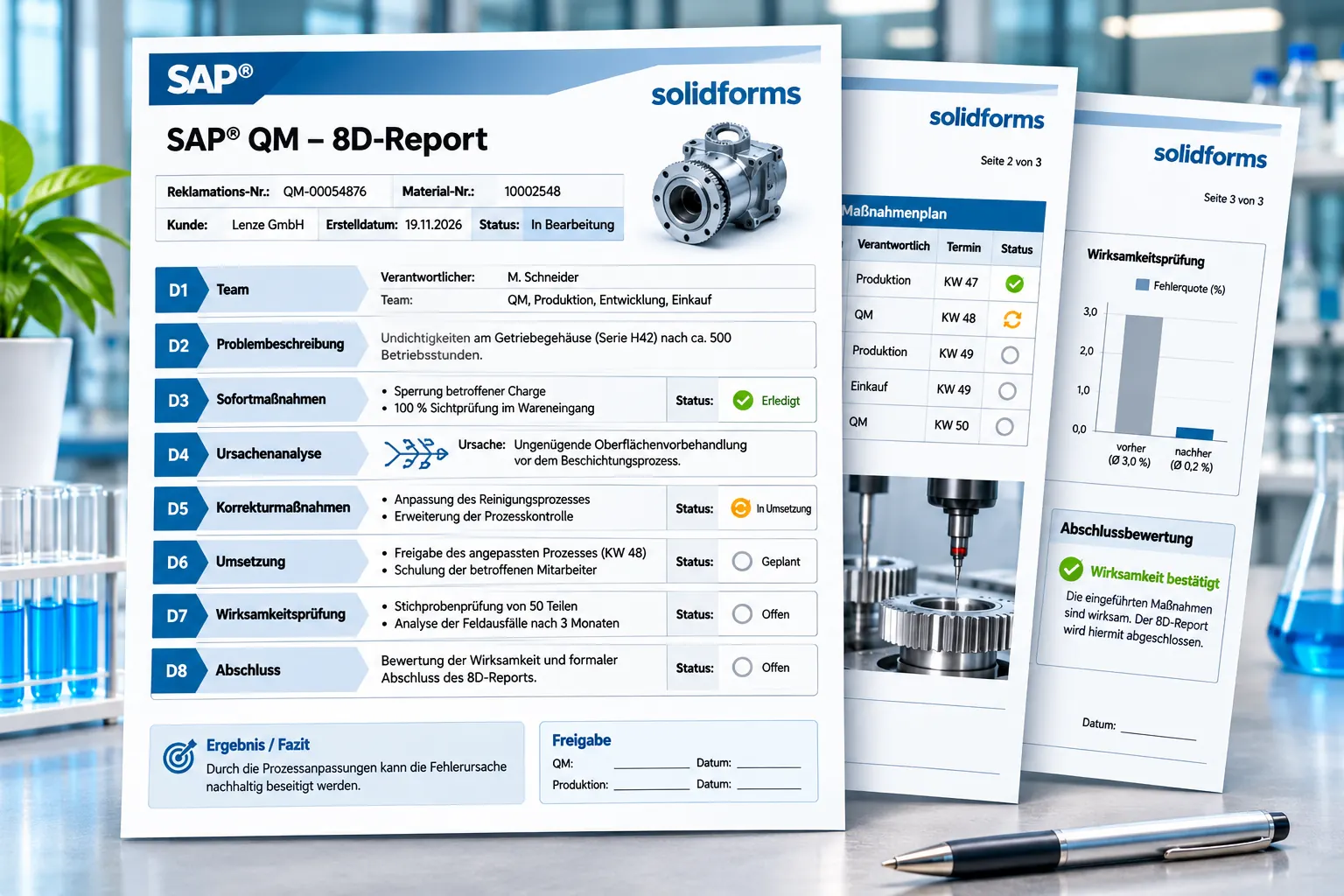
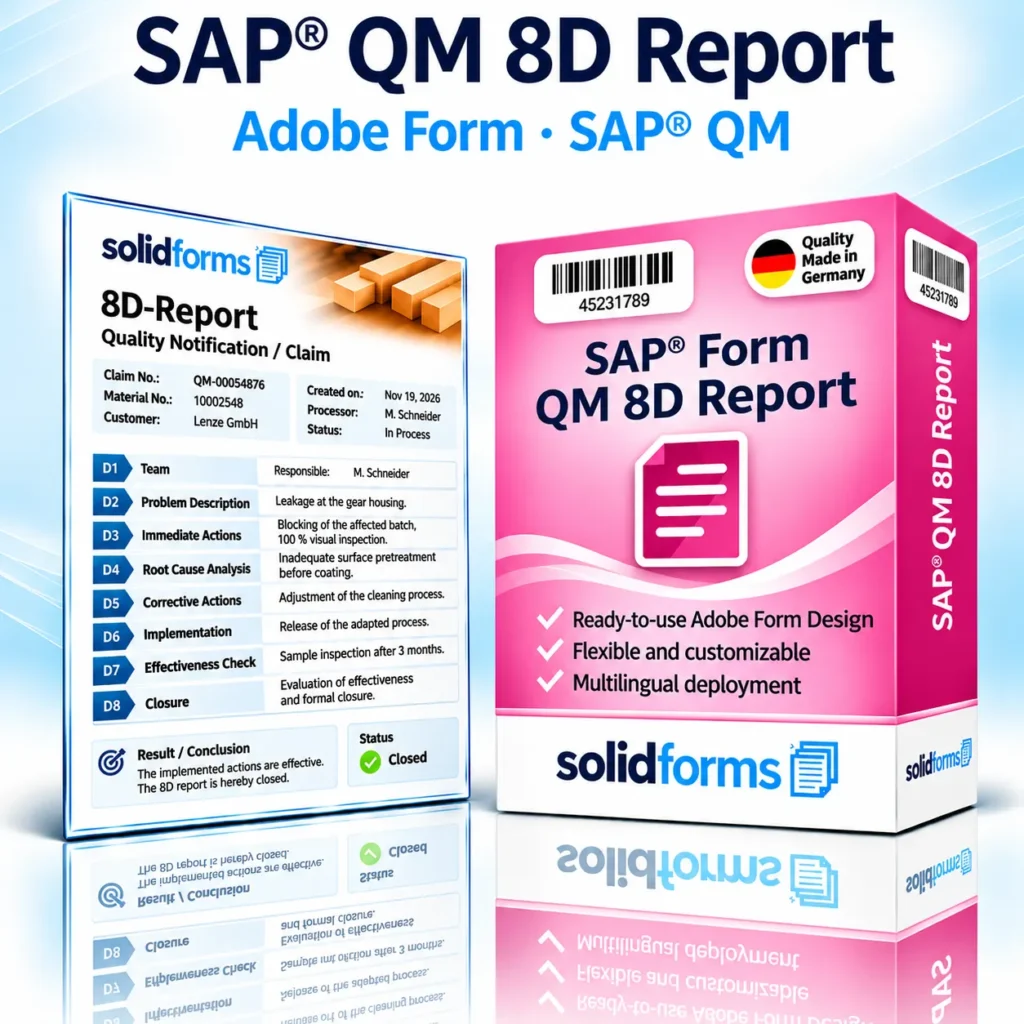
SAP® QM 8D Report sample form
The sample form illustrates a possible layout for a multi-page 8D report: a header with reference data, clearly structured D1–D8 sections, action summaries and closure information. All data shown is for illustration only.
Form configuration
Customize layout and output
Corporate design
Customize logos, colors, addresses, headers and footers to your specifications.
Plants, organizations and languages
Output texts and sender information based on plant, organization or language – where implemented in the project.
Multi-page reports
Support dynamic text lengths, tables and page breaks for extensive 8D documentation.
For advanced configuration and maintenance features,solidFormkitcan be used.Learn more about SAP® form development.
Process overview
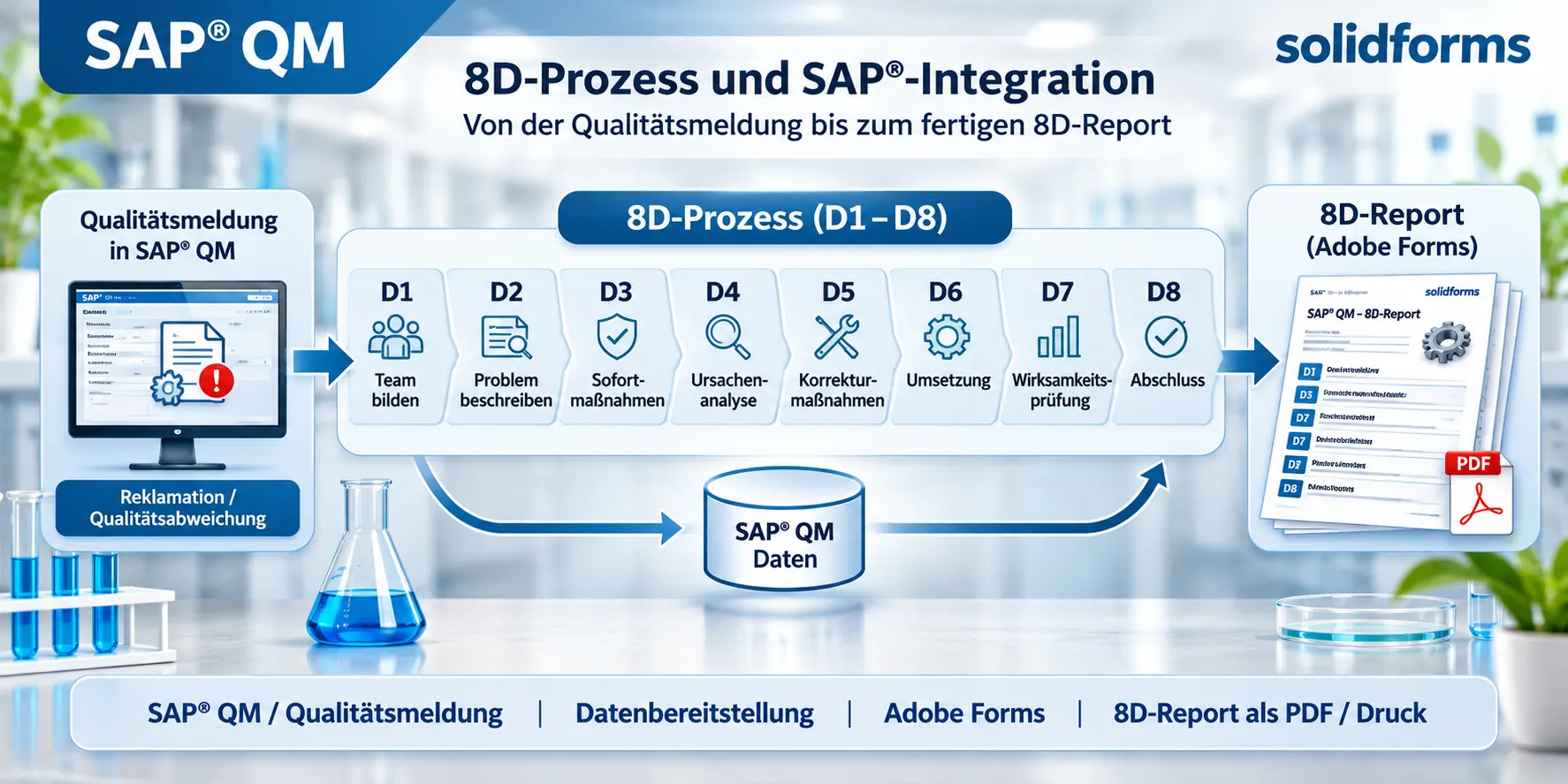
From quality notification to 8D report
Creating an 8D report begins with recording and processing a quality issue. The data relevant to the report is prepared and then output as a PDF or printed document.
Workflow
From template to production-ready QM form
01 · Requirements
Agree on the QM process, notification types, data sources, mandatory fields, languages and layout.
02 · Integration
Implement the Adobe form, data preparation and any required customer-specific enhancements.
03 · Testing and approval
Test realistic complaint scenarios, long texts, tables, page breaks and PDF output.
Technical information
System requirements and scope of delivery
| Topic | Description |
|---|---|
| SAP® area | Quality Management (QM), complaint and nonconformity handling |
| Form type | 8D Report / 8D Problem-Solving Report |
| Technology | SAP® Interactive Forms by Adobe |
| Potential data sources | QM quality notifications, defect data, activities, material and business partner data; exact mapping depends on the project |
| Form content | D1 to D8, reference data, defect description, root causes, actions, effectiveness and closure |
| Layout | Customizable corporate design and multi-page output |
| Output | PDF and print within the agreed SAP® process |
| Languages | Multilingual implementation by agreement |
| System requirements | Suitable SAP® system with Adobe Forms output; release, QM data model and S/4HANA compatibility must be checked in advance |
| Scope of delivery | Adobe form plus agreed data connection, integration and customization services as specified in the quotation |
Note:The 8D method defines the business process. The Adobe form formats the data supplied to it; additional data entry, workflow or approval functions are included only if explicitly agreed and technically implemented.
Frequently asked questions
Frequently asked questions about the SAP® QM 8D Report
Can the 8D report be generated directly from a quality notification?
Such an integration is possible. We agree on the data sources and triggers based on your SAP® QM process.
Are all eight disciplines included?
The form structure can cover D1 through D8. Content, field scope and mandatory information are defined for each customer.
Can photos and attachments be included?
Depending on the data source and technical implementation, images or additional information can be included. Automatic attachment transfer must be assessed separately.
Is the form suitable for SAP® S/4HANA?
Suitability depends on the system release, QM data model and output process and is verified before implementation.
SAP® form development · solidforms
Would you like a professional QM 8D Report?
Whether you need consistent complaint reports, multiple plants, different languages or a custom data connection, we will review your requirements and prepare a tailored quotation.
Reviews
There are no reviews yet.