











SAP® Printer Control – Paper Tray Selection, Output Bins and Print Finishing
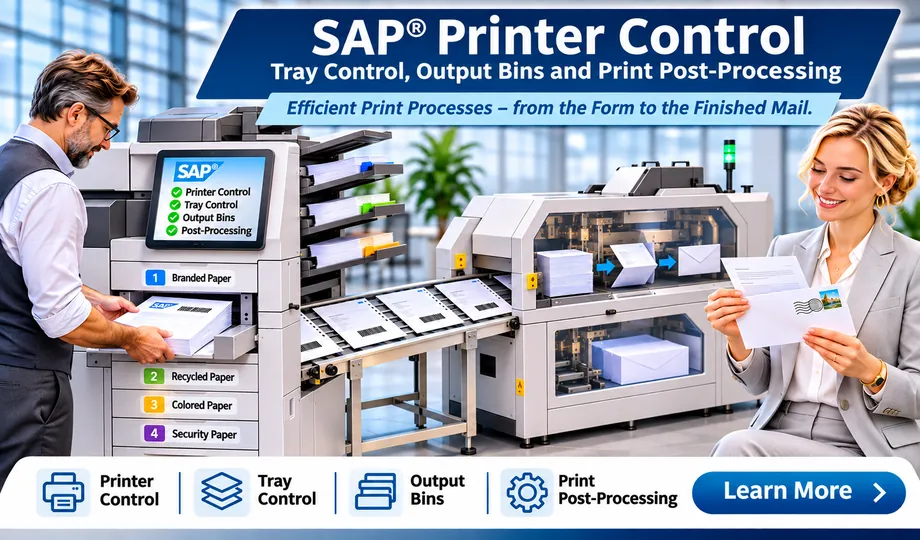
Complex printing processes demand more than a well-designed form. solidforms combines SAP® form development with precise control over paper input, output bins, print sequence and finishing – ensuring reliable workflows in administration, logistics and industrial production.
When SAP® forms need to control printer hardware
A print job is only successful when the document is printed on the correct paper, in the right sequence and delivered to the intended output bin. Especially with high print volumes, multiple paper types and downstream finishing, the SAP® application, spool system, printer driver and physical device must work seamlessly together.
Form logic and printer functions as one integrated solution
We look beyond the layout of an Adobe Form and consider the entire output process: from the SAP® application and print data preparation to the functions actually supported by the printer.
The exact implementation depends on the device, printer language, SAP® device type and printing infrastructure. Learn more on our page about SAP® form development with Adobe Forms.
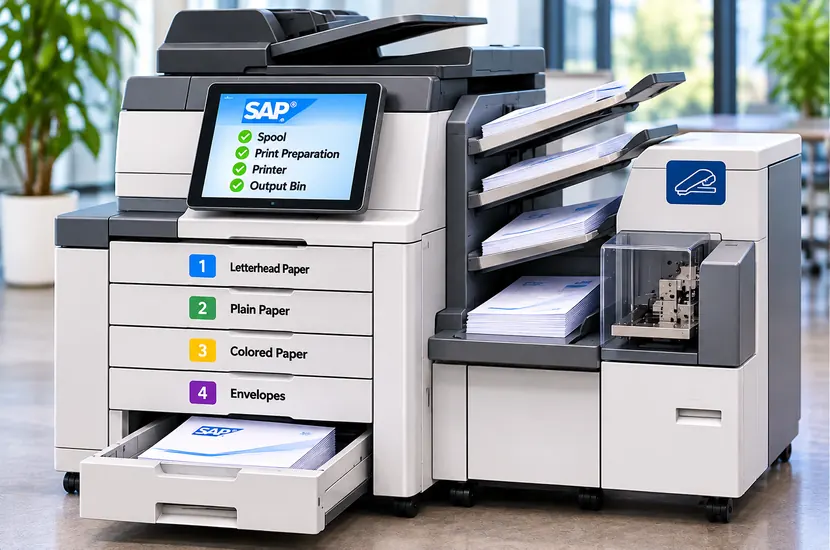
Our SAP® printer control capabilities
Paper tray control and paper selection
Select specific paper trays for letterhead, plain paper, preprinted stock or continuation pages. Different paper types can also be used within the same document, provided the device and output path support this.
Output bins and sorting
Direct documents to the required output bin or stacker so they are available in the right place. This makes it easier to separate document types, recipient groups and downstream workflows.
Stapling and parent/child spool jobs
Related documents can be processed as one unit for print finishing. We evaluate ways to combine and control spool jobs and trigger device-specific stapling functions.
Controlled print sequence
High-volume print runs require a predictable sequence. We develop output workflows that prepare documents and their components in a controlled manner before passing them to the printing process.
Concurrent print jobs
Multiple SAP® users and background jobs often send work to the same printer simultaneously. We analyze job control and design suitable approaches to prevent related output from being mixed or interrupted.
MICR check printing
Check printing involves specific requirements for print layout, positioning, compatible hardware and magnetically readable characters. We support form integration and alignment with the intended printing environment.
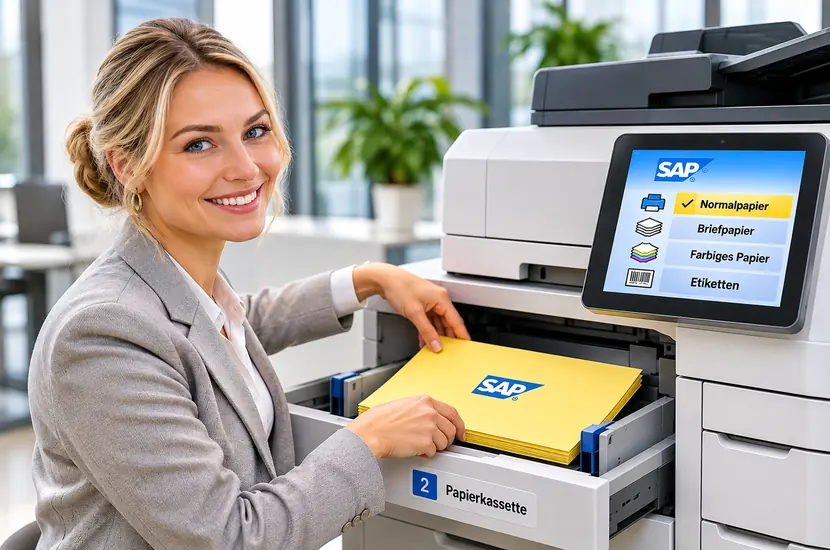
Paper tray and output bin control
An invoice may require preprinted letterhead for the first page and plain paper for subsequent pages. Other documents may need to be delivered to separate output bins. We align form and print data logic with the capabilities of the actual device.
The same applies to SAP® label printing where output format, printer and device type must be properly aligned.
Coordinated print jobs and stapling
Multi-page documents, attachments and different forms often need to be printed and stapled together. This requires coordination of print sequence, job boundaries and finishing.
Parent/child spool concepts may play a role; what matters is whether the specific output path can technically support the required behavior.

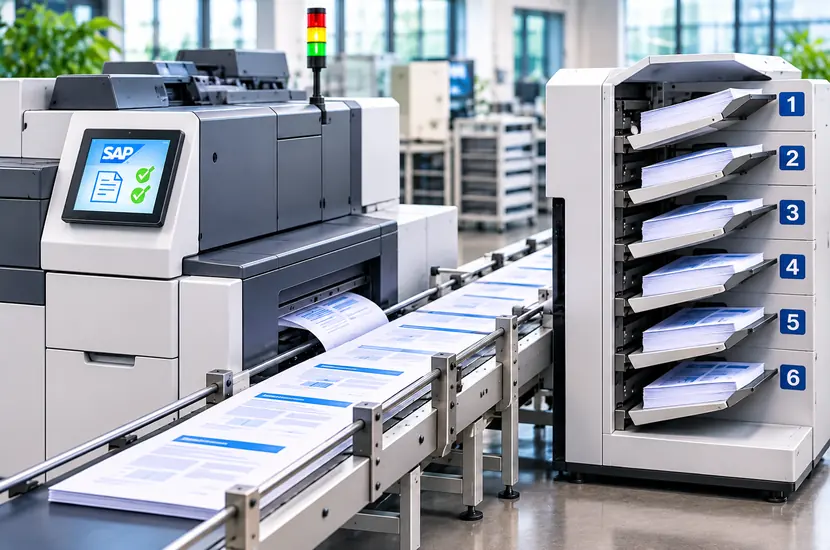
High-volume printing without unwanted interruptions
In production environments, parallel print jobs can cause operational issues if related documents are not processed as a complete unit.
We analyze spool behavior, job handover and printing infrastructure to develop a robust, transparent solution – including for international SAP® rollouts and form strategies.
Our approach
We begin by analyzing the SAP® output technology and printer hardware in use. We then determine which functions can be implemented through standard device types, printer languages, drivers, spool control or targeted enhancements. The solution is tested using real print jobs on the intended hardware.
Explore related topics at solidforms
- SAP® form development with Adobe Forms – form design and technical implementation
- SAP® label printing & label management – overview
- SAP® label management – managing layouts and labels
- SAP® rollout & form strategy – standardized output across sites
Make complex SAP® printing processes reliable
Whether you need paper tray control, stapling, output bin selection or high-volume printing, solidforms can help analyze and implement your printing requirements.