











SAP® Label Printing with Adobe Forms for SAP® S/4HANA and EWM
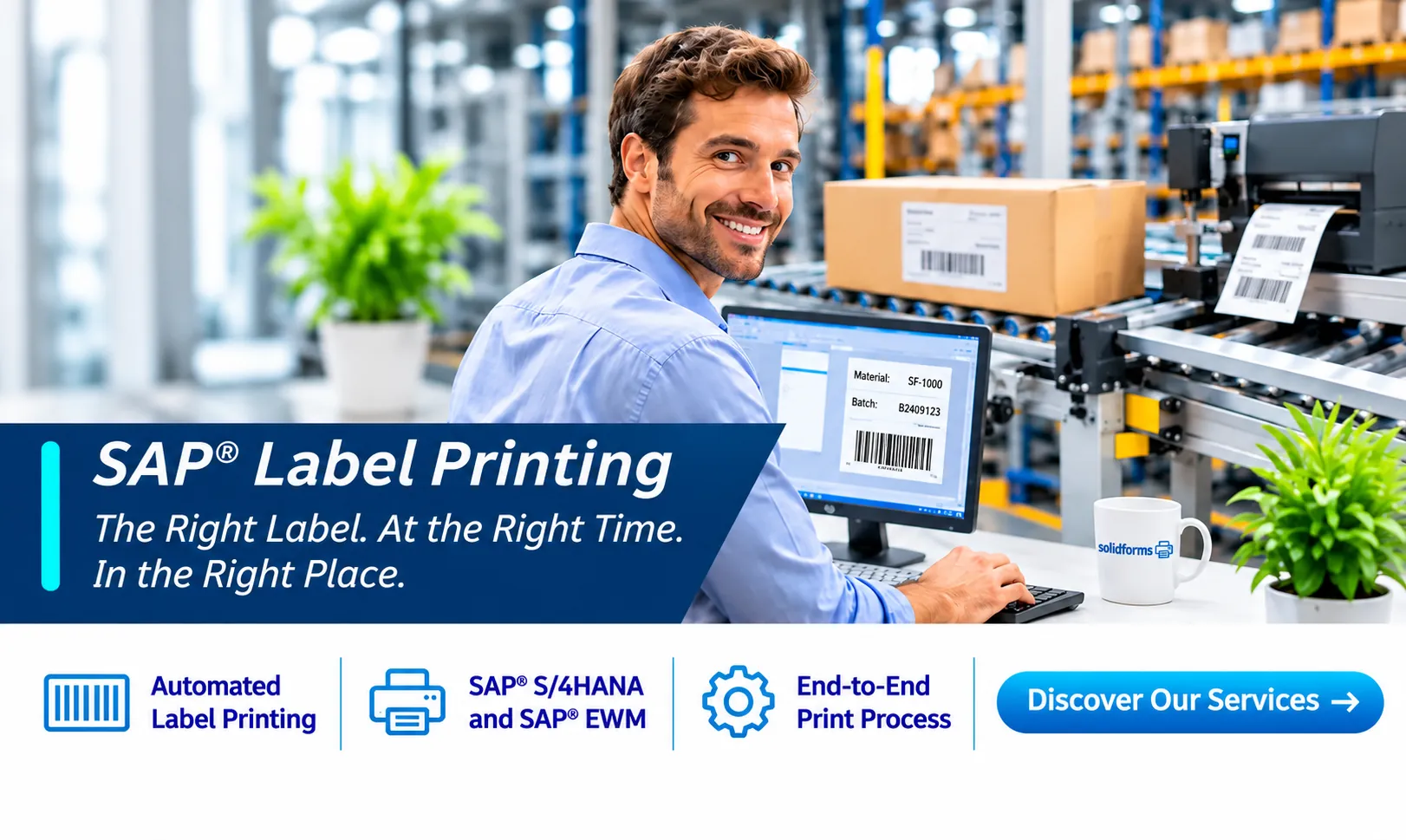
SAP® Label Printing: The Right Label at the Right Time and Place
Automated label printing for SAP® S/4HANA and SAP® EWM: solidforms combines form development, data retrieval, print triggering and printer determination into an integrated, maintainable output solution.
A unified Adobe Forms and PDF strategy instead of numerous isolated solutions: We assess which laser and label printers can be integrated through a common output architecture, taking printer languages, device control and process-specific requirements into account.
Our SAP® Label Printing Services
From the initial print event to the label at the workstation, solidforms supports you in designing, developing and optimizing your label printing processes.

Automated Label Printing
Generate labels directly from SAP® processes and print them on the designated printer.

Print Trigger Points
Trigger printing at the appropriate goods movement, handling unit action, shipping event or production step.

Printer Determination
Select output devices based on warehouse area, workstation, process and other criteria.

Barcodes & 2D Codes
Labels with suitable identification codes, such as barcodes and QR codes.

SAP® EWM & HU Labels
Integrate handling unit labels, warehouse labels and shipping labels into EWM processes.

Mobile Label Printing
Print labels where they are needed, including on mobile printers.
Unified PDF and Printing Architecture for SAP® Labels
We favor SAP® Adobe Forms and PDF generation using Adobe Document Services. Our aim is a consistent output environment for laser printers and, where technically appropriate, label printers. Additional interfaces and proprietary printer languages are used only when required for business or technical reasons.
Adobe Forms and PDF
Reusable form templates and centralized data preparation instead of separate label logic for each device.
Printer Languages and Devices
We evaluate printer capabilities, device configurations and, where applicable, standardized PCL control rather than developing custom logic for every model.
Integrated Output Management
Output timing, message control, PPF actions and printer determination are implemented to match the SAP® business process.
Learn more about SAP® form development and output integration and about the integrated solution for label printing and label management.
Label Printing in Practice
Every SAP® landscape is different. What matters is ensuring that print timing, data, layout and printers work together.
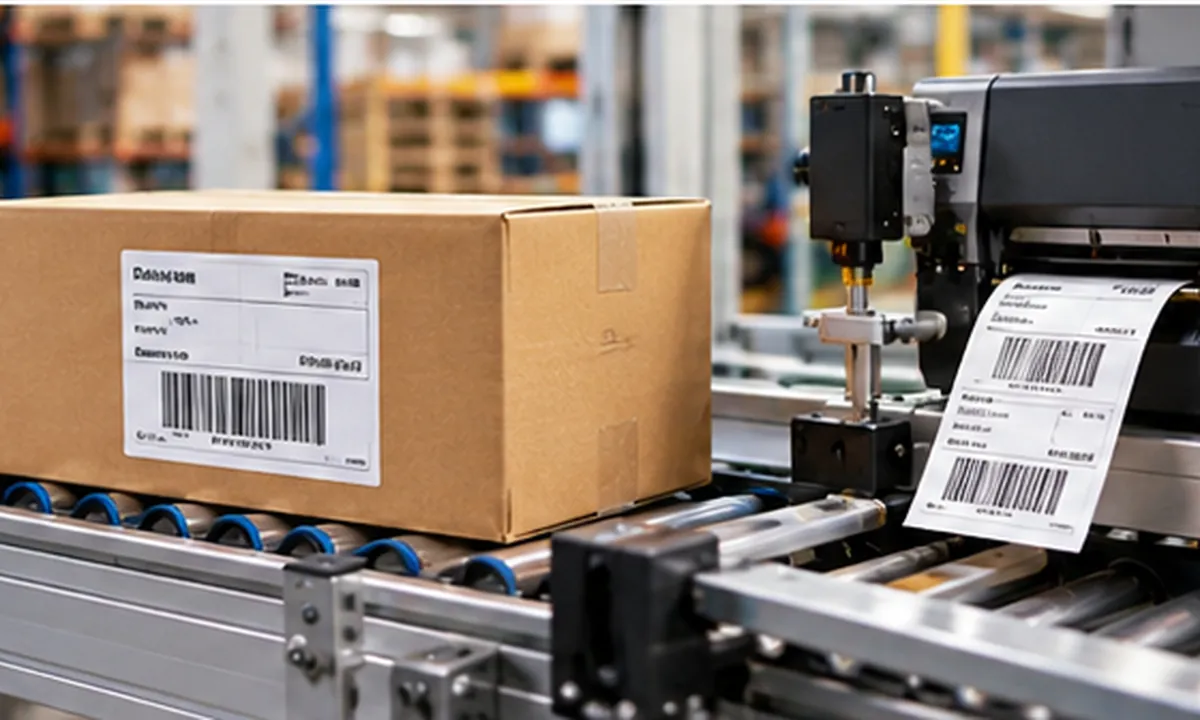
Warehousing and Shipping
Handling unit labels, shipping labels and warehouse labels are generated to match the process. Printing can be triggered automatically or by warehouse staff.
Typical tasks: HU printing, PPF actions, printer determination, mobile printing processes and shipping labels.
Production and Manufacturing
Product, batch and inspection labels require up-to-date SAP® data and reliable assignment to the correct layout. We support technical implementation throughout your production workflows.
Typical tasks: batch information, product identification, print trigger points and different label variants.
How an Integrated Printing Solution Works
We first analyze the workflow and use the findings to design a printing solution that is as simple and maintainable as possible.
01
SAP® Event
A defined business process triggers printing.
02
Print Data
SAP® data is validated and prepared.
03
Printer Determination
The appropriate output device is selected.
04
Label
The label is printed where it is needed.
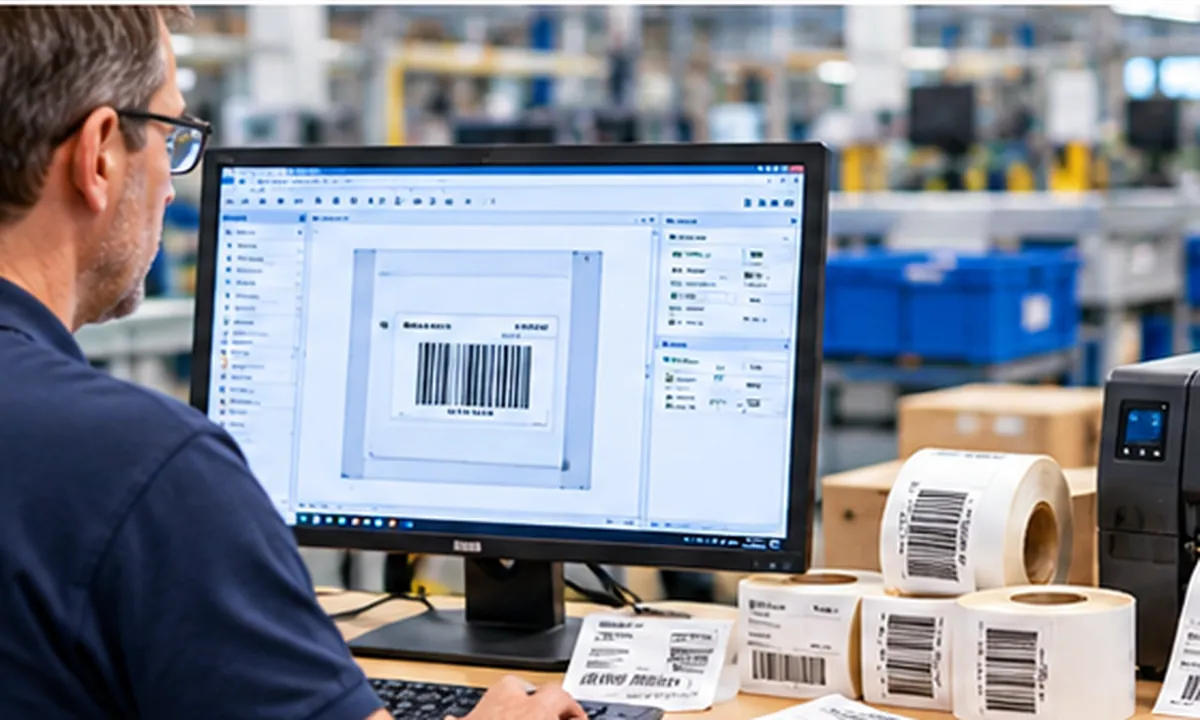
Design Labels Flexibly and Manage Them Centrally
Different products, customers and locations often require different layouts. A well-designed label management solution helps organize templates and variants systematically.
Discover how label design and printing processes can work together effectively.
Could Your SAP® Label Printing Be More Efficient?
We analyze your existing printing processes and develop a suitable solution, from print triggering to final output.