










SAP® Label Printing & Label Management – Central Strategy and Global Integration

When Every Plant Develops Its Own Labels
At one site, labels are created in Word or Excel; at another, Zebra printers are programmed directly in ZPL. Other plants use Intermec printers with Fingerprint or other manufacturer-specific printer languages.
Some layout templates are stored on individual PCs, in printer memory or on memory cards. Central management, approval and version control are missing. Our architectural approach shows how a global SAP® forms architecture can eliminate such isolated solutions. Direct printer-language output also often lacks a convenient print preview in SAP®.
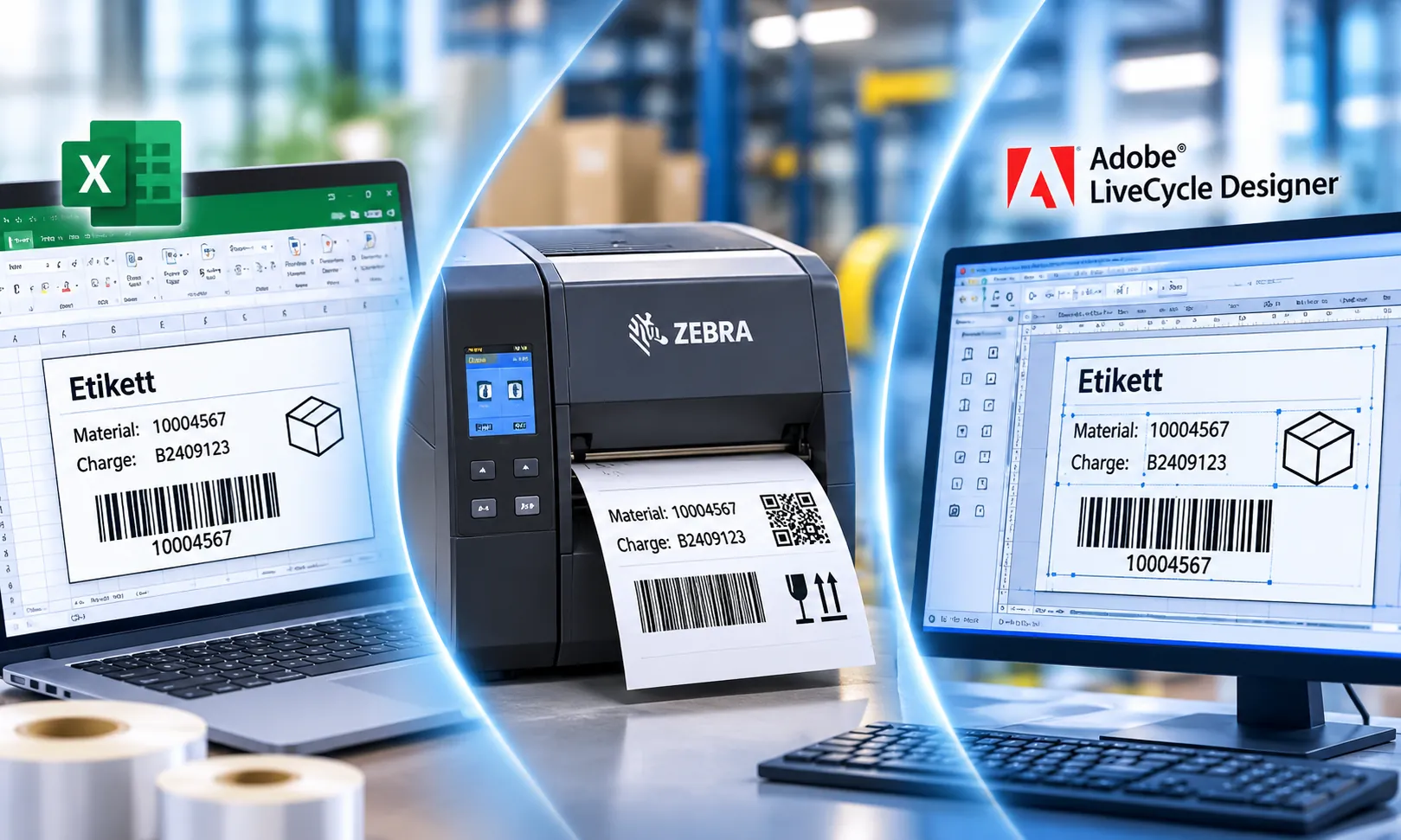
Different Printer Languages
ZPL, Fingerprint and other vendor-specific formats make standardization difficult.
Decentralized Templates
Labels are stored in files, printers or local systems, making them difficult to control.
High Maintenance Effort
Similar labels are developed, tested and maintained multiple times at different sites.
Time-Critical Label Printing: The Right Label at the Right Moment
Label printing is not always an ordinary background print job. In automated and mobile processes, response time is critical to smooth operations.

Automated Label Application
A parcel passes a scanner. The PLC registers the event and triggers printing. The downstream applicator must apply the correct label in time.

Mobile Label Printing
A warehouse employee scans an item and needs the label immediately from a mobile printer. Long waits or unstable connections disrupt the process.
The printing architecture must fit the business process: Printing triggers, required response times, network connectivity and local resilience are therefore assessed early. For SAP® printing processes at external logistics providers, additional requirements for transmission and reprinting apply.
Combining Central Control with Decentralized Printing
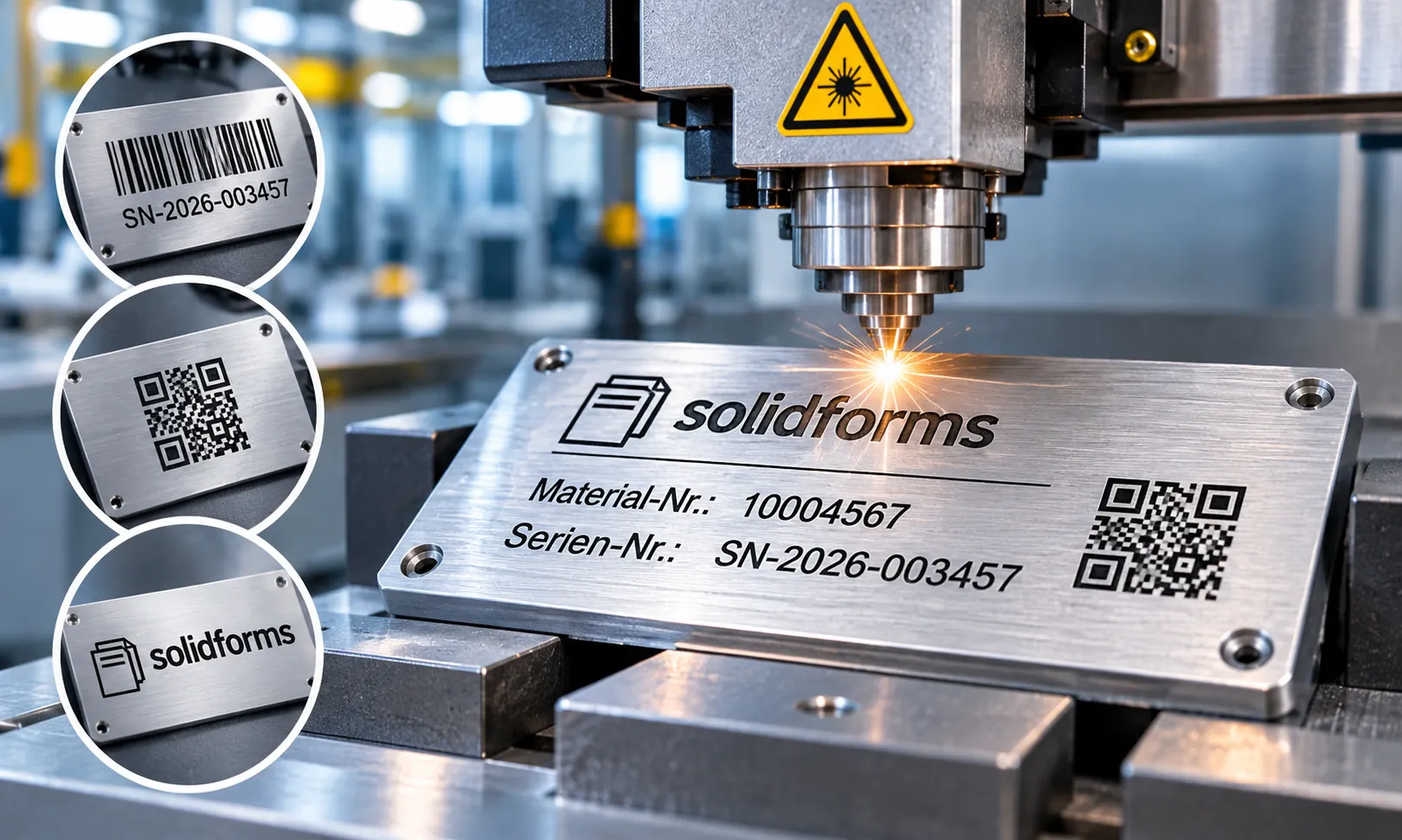
At international sites, high-resolution logos, graphics or engraving templates can be several megabytes in size. Sending them from Germany to a printer in China for every label creates unnecessary data traffic and potential delays.
One possible target architecture stores templates and static graphics on local print servers. Primarily variable data is then transmitted, while templates, versions and permissions remain centrally managed.
Central Governance
Manage standards, templates, approvals and changes centrally.
Local Print Servers
Process time-critical jobs and large print files close to the site.
Global Access
Administer, update and monitor decentralized servers in a controlled manner.
Clearly Separating SAP® Data Retrieval and Label Design
Who knows the SAP® fields? Who designs the label? Who owns the printing process? These responsibilities must be clearly separated. A label designer does not need to know SAP® tables, and an ABAP developer should not have to create every label layout.
SAP® Data Retrieval
Retrieve business logic data, material characteristics, batches, serial numbers and other information, then provide the values through a structured interface. Reusable data retrieval is also essential for SAP® EWM Forms.
Standardized Field Catalog
Document every variable, including its field name, meaning, data type, format and business source.
Label Design
Design layouts, barcodes, symbols and graphics, account for printer specifications, and connect them to the provided variables.
This separation of responsibilities makes collaboration easier between business teams, SAP® developers, label designers and external software partners.
Print Labels Directly in SAP® or Use External Software?
The right solution depends on label types, printers, locations, data sources, response times and organizational requirements. Choosing a particular software product without assessing these factors rarely makes sense.
Directly in SAP®
Implement labels using SAP® Adobe Forms and centralized SAP® data retrieval. Material master records and classification characteristics can serve as data sources.
External Design Tools
Create layouts with NiceLabel or BarTender and supply SAP® variables through defined interfaces.
Enterprise-Wide Label Management
Evaluate specialized solutions such as Membrain or OPAL for integration, administration, print control and operating model, depending on requirements.
Our Approach: Analyze processes and requirements first, then select the most suitable architecture from both a technical and economic perspective.
Centrally Managing Labels Worldwide
A global label management solution covers more than creating individual labels. It governs the entire lifecycle, from requirements and design to review, approval, distribution and subsequent changes.
This includes roles and permissions, central templates, version control, standardized field catalogs, controlled distribution to print servers and traceable testing.
Even when printing is decentralized, administration should remain centralized without turning every local requirement into another isolated solution.
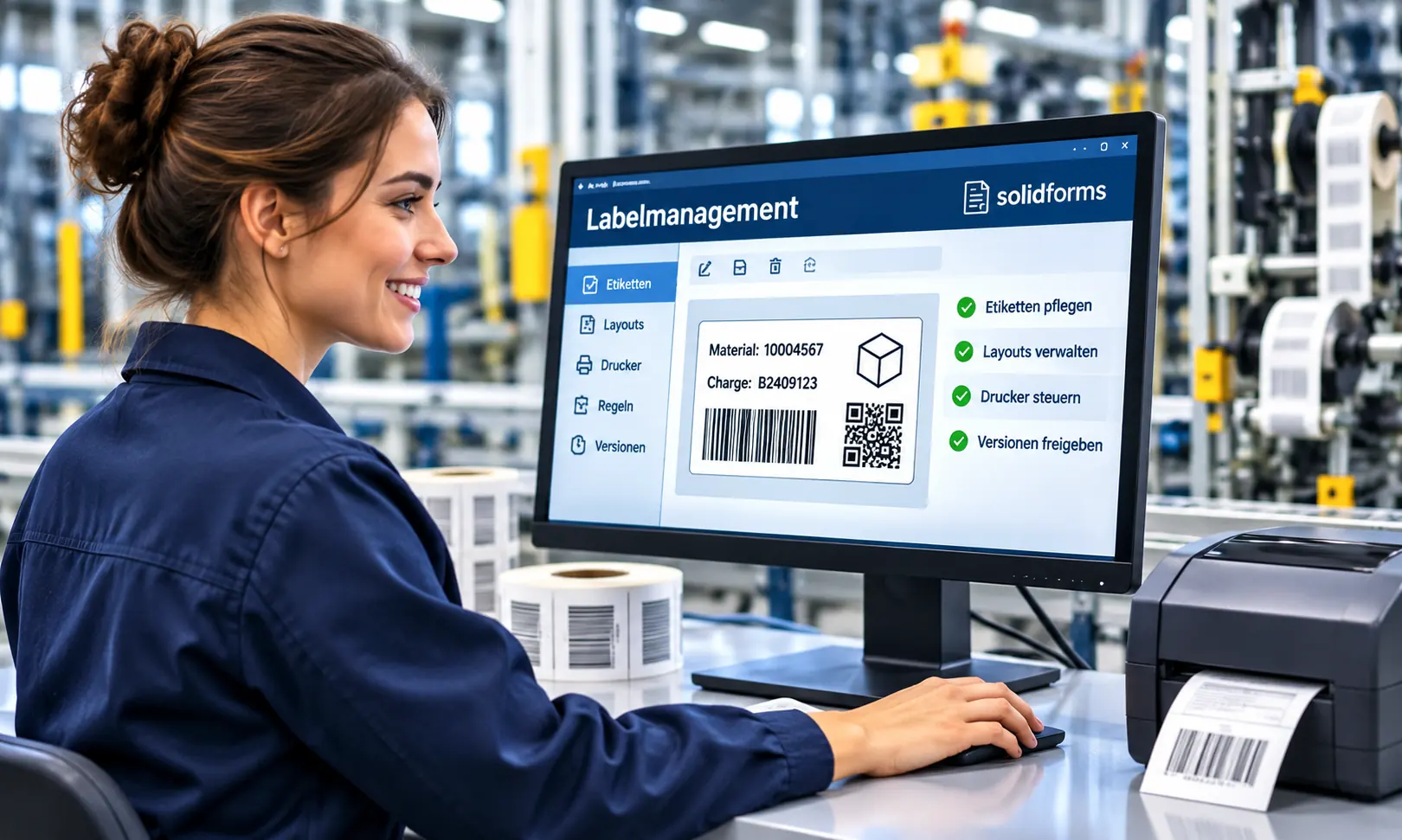
The Project Team: Processes, SAP® Development and Design
Process and Organizational Consulting
Documents sites, printing triggers, label types, response times and responsibilities.
SAP® Development
Handles data retrieval, business logic, interfaces and the documented field catalog.
Label Design and Printing Technology
Designs templates, integrates variables and tests print output, barcode quality and devices.
solidforms supports the overall architecture, SAP® integration and coordination between business departments, internal developers and specialist partners. Joint planning can be supported through Consulting & Workshops.
Our Approach – From Initial Assessment to International Standards
1 · Initial Assessment
Inventory printers, labels, sites, templates, systems and interfaces.
2 · Process Analysis
Assess printing triggers, time sensitivity, data sources and output channels.
3 · Target Architecture
Define SAP®-internal or external solutions, centralized or decentralized operation, and responsibilities.
4 · Data Model
Establish standardized interfaces and a documented field catalog.
5 · Pilot Phase
Test representative labels, printers and sites under real operating conditions.
6 · International Rollout
Gradually standardize templates, print servers, operations and knowledge transfer.
Two Focus Areas – Two Dedicated Solution Pages
Whether you want to improve the technical label printing process or the overall management of your label landscape, our dedicated pages provide more information.

SAP® Label Printing
Technical implementation with SAP® Adobe Forms, barcode and label printing, printer control and time-critical output processes.
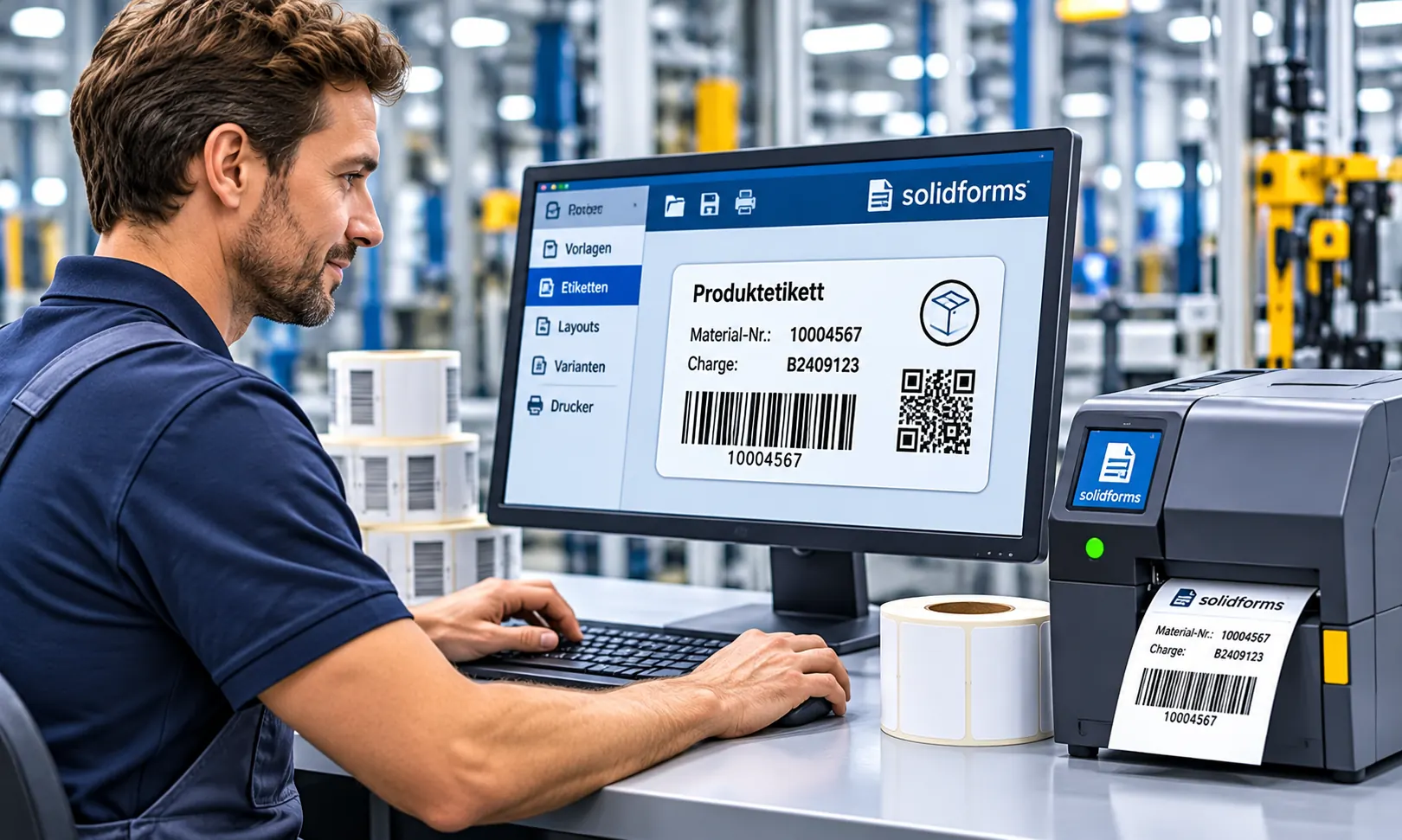
Global Label Management
Central management of label templates, SAP® field catalogs, approvals, print servers and international sites.
Frequently Asked Questions About Label Printing and Label Management
Can SAP® Print Labels Directly?
Yes. Depending on the requirements, labels can be generated using SAP® Adobe Forms, for example. For specialized printers, high speeds or complex templates, a different architecture may be more suitable.
When Does an External Label Management System Make Sense?
Especially when there are many sites, different printing technologies, extensive template management needs, or independent label design and approval processes.
How Can Printers from Different Manufacturers Be Integrated?
Through a suitable printing architecture with defined interfaces, appropriate printer drivers or specialized print and label management systems. The specific options depend on the devices and software.
Can Management Be Centralized While Printing Takes Place Locally?
Yes. Templates and rules can be maintained centrally and distributed to local print servers in a controlled manner. Variable data is transmitted as needed.
Who Should Provide the SAP® Data for a Label?
Usually the SAP® development team, through a documented interface or field catalog. Business requirements and label design are coordinated with the respective stakeholders.
Has Your Label Printing Landscape Grown Over Time?
Whether you have a heterogeneous printer landscape, time-critical labeling or international sites, solidforms helps you transform fragmented solutions into a cost-effective, maintainable and centrally managed label architecture.