











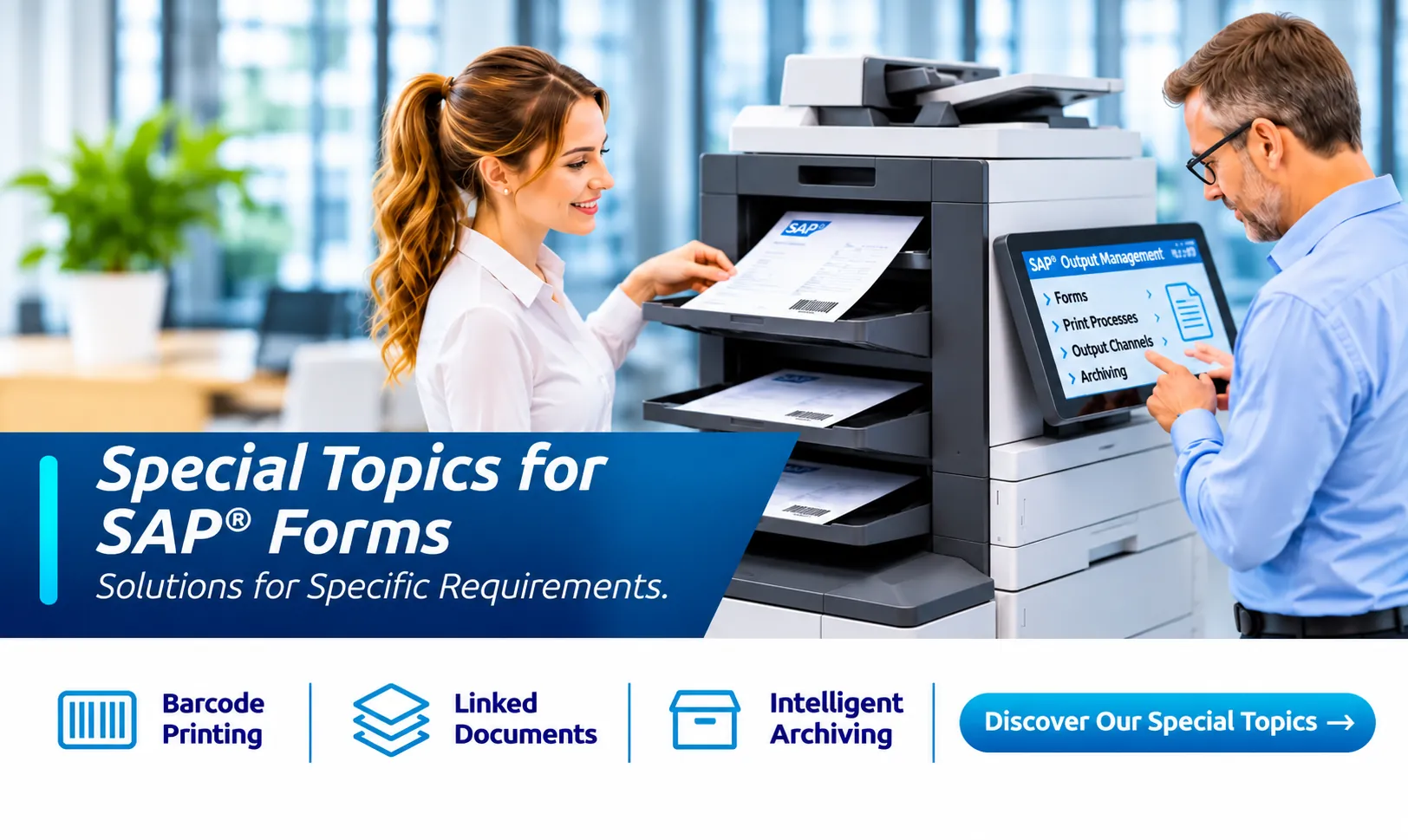
Specialized SAP® Forms and Output Management Solutions
Complex printing processes, barcodes, linked documents and specialized SAP® forms output requirements: solidforms develops solutions where standard functionality alone is not enough. From data retrieval and Adobe Forms to printing, email delivery and archiving.
We look beyond individual forms to the entire output and printing architecture. Our goal is consistent PDF-based processes, maintainable ABAP enhancements and as few additional interfaces as possible.
Our Expertise
Technical Expertise for Specialized Requirements
Choose a specialist topic to jump directly to a detailed description of typical challenges and solutions. For end-to-end implementation, learn more about our SAP® Forms Development.
In Detail
Specialist Topics and Solutions
Expand the topics relevant to your SAP® landscape.
01Barcodes and 2D CodesEAN-128 / GS1-128, DataMatrix and Other Barcode Symbologies
Printing barcodes requires more than selecting a font: data structures, check digits, control characters and print resolution must all be correct.
- GS1-128 / EAN-128, including FNC1 and non-printable characters
- 2D codes such as DataMatrix, PDF417 and other symbologies
- Precise dimensions, readability and scanner compatibility, especially for SAP® label printing
- Assessment of SAP® standard functionality and suitable enhancements where needed
02Direct Thermal and Thermal Transfer PrintingReliable Label Printing
For warehousing, shipping and production, printers, forms, print services and label materials must work together.
- Direct Thermal and Thermal Transfer Printing
- High print volumes and time-critical output
- Mobile label printers and specialized device types
- Technical coordination of PDF output, print servers and printer drivers
The specific integration depends on the SAP® release, printer landscape and operating model. Learn more about SAP® Label Management.
03Complex Printing ScenariosOne Document – Multiple Recipients, Channels and Destinations
A sales order can trigger several outputs at once: an original at the workstation, a copy for accounting, an email to the customer, a PDF in the archive and a document in the customer portal.
- Output message and copy control
- Printing, email, archiving and file storage
- Logo and paper selection by output channel
- Printer determination and different paper trays
- Analysis of output triggers and organizational responsibilities, including for third-party logistics providers (3PL)
04Production Orders with Supporting DocumentsCombine Drawings, Certificates and Forms
Production orders often require technical drawings, images, certificates and other supporting documents from SAP® DMS, BDS, GOS or archive systems.
- Retrieve linked documents using defined rules
- Optional stamping with order or document numbers
- Merge and sort output documents
- Combined spool output or PDF delivery where technically feasible, for example with SAP® EWM Forms
- Conversion of file formats that are not directly supported
05Dynamic Images from SAP® DMSUse Product Images Directly in Forms
Material photos and technical images can be displayed dynamically in quotations, order confirmations or other documents according to the relevant business document.
- Retrieve images linked to a material or application object
- Pass images to SAP® Adobe Forms
- Handle image formats and resolution
- Upstream format conversion where required
06OMR, Envelope Inserting and PostageMachine-Readable Marks for Mail Processing
For large volumes of invoices and letters, envelope inserting machines must reliably identify and assemble document sets.
- OMR marks along the form edge
- Barcodes for envelope inserting and postage control
- Control through ABAP and configuration where appropriate
- Integration with the envelope inserting and franking equipment in use
07Paper Tray Control, Output Bins and StaplingControl Paper Types and Printer Features Precisely
Preprinted forms, blank paper, multiple trays and stapling functions place demanding requirements on the printing infrastructure.
- Device types and printer settings
- Interaction between forms, ADS, print services and drivers
- Define a consistent printing strategy
- Avoid hard-coded printer names
Some traditional techniques, such as XDC modifications, must be evaluated for the specific system and release.
08Printer DeterminationSelect Output Devices to Match Business Processes
The appropriate printer often depends on organizational structures and the business transaction.
- Plant, company code and purchasing or sales organization
- Distribution channel, sales office or responsible employee group
- Standard condition technique or appropriate output determination rules
- Optional configuration for special cases
09Advanced Email OutputMore Recipients, Personalized Messages and Additional Attachments
Standard functionality is not always sufficient for forms sent by email.
- Multiple recipients and CC/BCC as required
- Custom subject lines and email messages
- Email cover messages by language or company code
- Additional attachments from DMS, archives or object services
- HTML emails and optional user input
Implementation depends on the SAP® output framework in use.
10External Output Management SystemsConnect SAP® to Specialized Output Systems
An external output management system may be useful for particularly complex distribution rules or high output volumes.
- Analyze interfaces and transfer formats
- Integrate with existing output and archiving processes
- Print previews, monitoring and error handling
- Assess licensing, integration and maintenance costs
Legacy approaches such as RDI, IDoc or SAP PI are examples from existing landscapes and are not necessarily suitable for every modern SAP® cloud deployment.
An End-to-End Perspective
One Form. Multiple Output Channels.
The challenge goes beyond layout: we examine the entire process, from data retrieval and form generation to delivery and storage.
Note: Available enhancement points, output frameworks and printing technologies differ between SAP ERP, S/4HANA On-Premise, Private Cloud and Public Cloud. Each solution must be assessed for the specific system. Learn more about our end-to-end SAP® forms strategy and about label printing and label management. The Public Edition has specific requirements for SAP® Public Cloud Forms.
Specialist Expertise for Your SAP® Forms
Facing an Unusual Requirement?
Whether you need advanced printer control, complex output scenarios or custom enhancements, we analyze your processes and develop a sustainable solution.