











SAP® FI · Adobe Forms
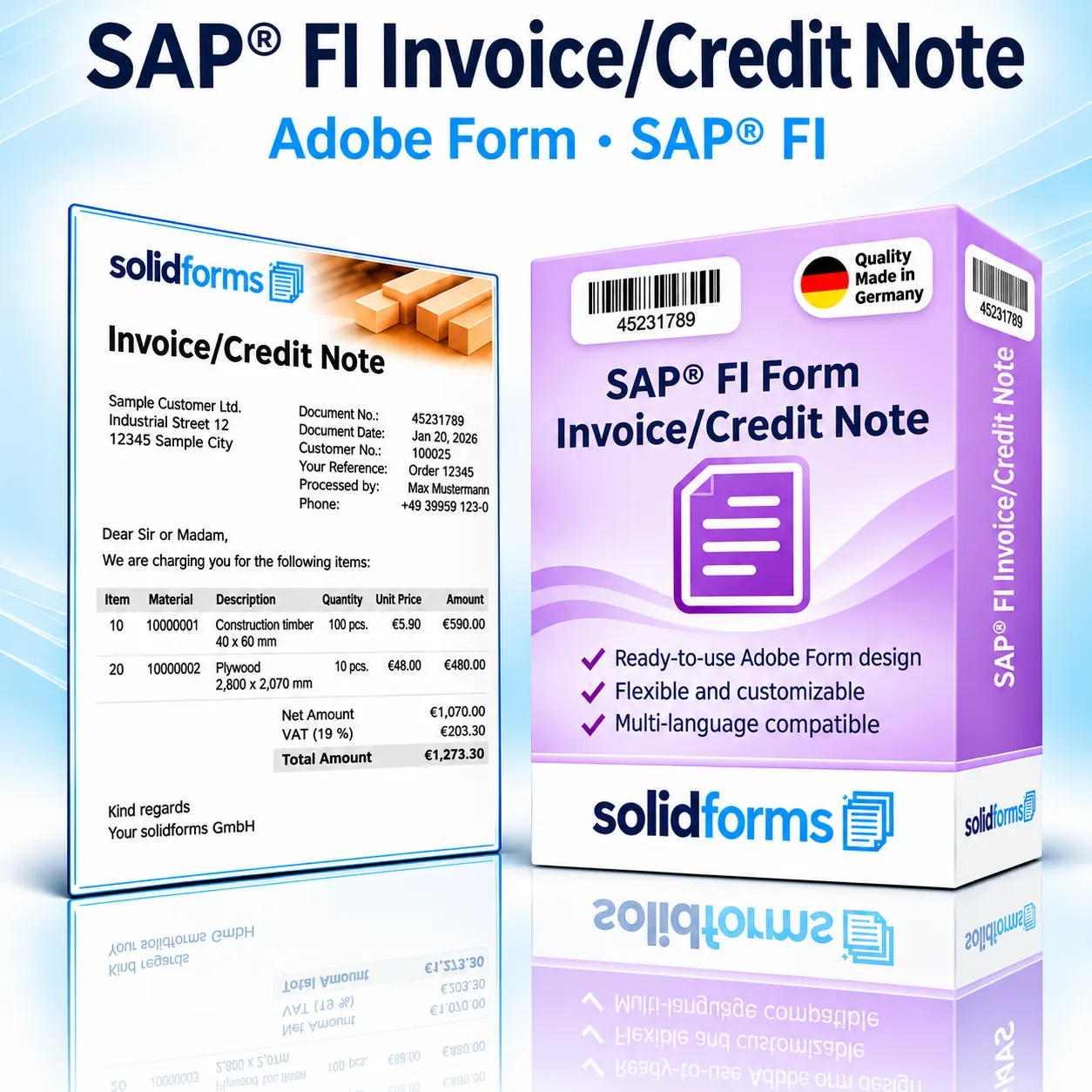
SAP® FI Invoice & Credit Memo – Two Forms for Financial Accounting
The SAP11 FI correspondence form package: Create professional invoices and credit memos directly from SAP® Financial Accounting. Both PDF-based print forms combine a consistent A4 design with configurable texts, amounts and sender details.
The Form Package at a Glance
- Two form types: FI invoice and FI credit memo
- Net or gross amounts with VAT shown separately
- Configurable logo, document date, contact person, header and item texts
- German and English according to the existing product scope
Your Benefits
Professional Financial Correspondence with a Consistent Design
Invoice and Credit Memo
Both FI correspondence documents in a consistent, professional layout.
Flexible Amount Display
Choose net or gross amounts and display VAT separately.
Multilingual Support
German and English included in the existing scope; additional languages by agreement.
In the Business Process
FI Invoices and Credit Memos Directly from SAP® Financial Accounting
The form package supports SAP11 FI correspondence for invoices and credit memos. Output is generated using the associated print program and form interface with Adobe Forms. Learn More About SAP® Form Development
Form Features
Tailored to Your FI Correspondence
FI Invoice
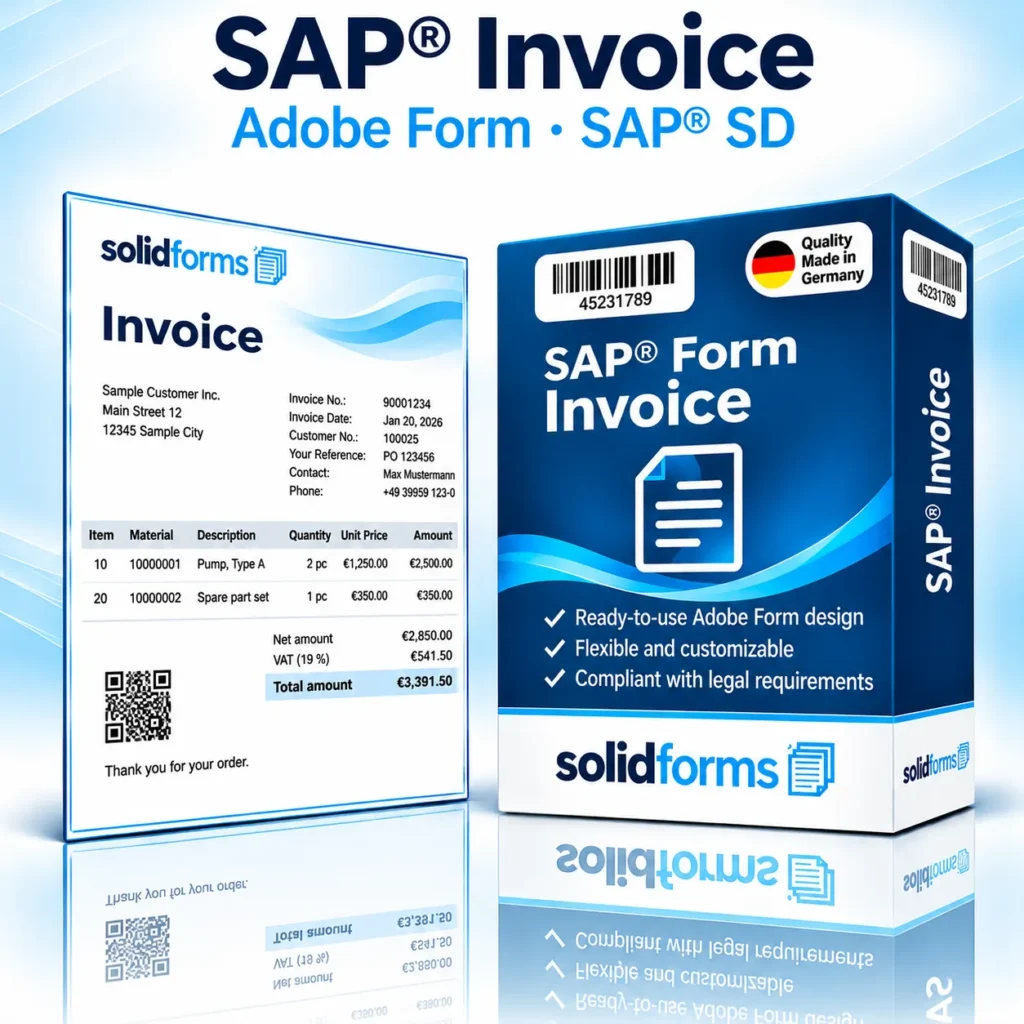
Invoice output from SAP11 FI correspondence with clear document and amount information.
FI Credit Memo
Credit memo output from SAP11 FI correspondence using the same layout.
Amounts and Taxes
Net/gross display, VAT and document date according to Customizing.
Texts and Sender Details
Configurable header and item texts, contact person, logo and footer.
The Product
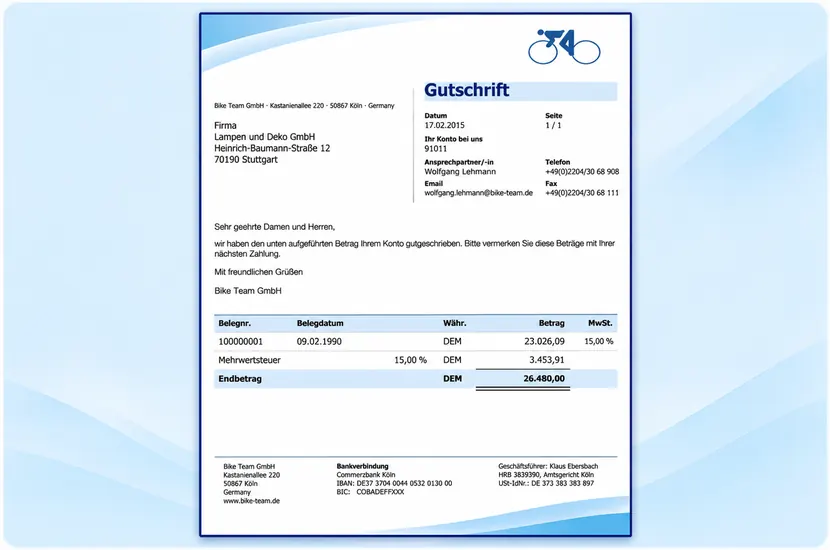
FI Credit Memo – Sample Form
The sample shows the FI credit memo as a modern A4 form. Click the image to enlarge the preview.
Typical Form Contents
Document number, date, business partner, currency, net/gross amount and VAT.
Customized Design
Company logo, sender, contact person, texts and footer according to the agreed Customizing.
Form Configuration
Less Maintenance Through Centralized Customizing
Logo and Contact Person
The logo can depend on the output medium; document date and responsible contact person can be configured.
Company Codes and Document Types
Text output, sender, footer and logo can be controlled by company code and document type.
The tools provided by solidFormkit support the maintenance of form labels, translations and text control. For multiple companies, a coordinated SAP® Rollout and Form Strategy is advisable.
Implementation Process
From Form Package to Production Use
Agree on Requirements
Review the SAP® release, SAP11 FI correspondence, company codes, languages and output media.
Configuration
Integrate Adobe Forms, print program, interface and Customizing as agreed.
Testing and Approval
Verify FI invoices, FI credit memos, amount display and relevant output variants.
Form Output
Output via SAP® FI Correspondence
Depending on configuration, the forms can be printed, provided as PDFs, or sent by fax or email. For enhanced email functionality, solidforms offers an optional email plugin that involves adapting the RFKORD50_PDF print program.
Technical Information
System Requirements and Scope of Delivery
| Topic | Description |
|---|---|
| SAP® Module | Financial Accounting (FI), SAP11 FI correspondence |
| Form Types | FI invoice and FI credit memo |
| Form Technology | SAP® Interactive Forms by Adobe (PDF-based print form) |
| System Requirements | Existing product version: SAP® ECC 6.0 or later and Adobe Document Services (ADS). Compatibility with the specific S/4HANA system must be checked. |
| Format | A4 |
| Languages | German and English according to the existing product scope |
| Scope of Delivery | Adobe form, print program and interface, solidFormkit tools, Customizing program and documentation according to the product agreement |
| Customizing | Logo by output medium, document date, contact person, net/gross amounts, VAT, header/item texts, sender and footer |
| Output | Print, fax or email depending on system and configuration; enhanced email control optional |
| Installation | System access, implementation scope and fees by agreement |
| Individual Customization | Available on request for an additional fee |
| Licensing / Maintenance | Terms and any required SAP® licenses must be clarified before placing an order |
The existing product description refers to SAP® ECC 6.0 and ADS. Before using the solution in SAP® S/4HANA, we check the release, correspondence procedure, output control and any required adjustments.
Frequently Asked Questions
Frequently Asked Questions About SAP® FI Invoices and Credit Memos
Are Both Invoice and Credit Memo Included?
Yes. The package includes the FI invoice and FI credit memo for SAP11 correspondence according to the agreed scope of delivery.
Can I Use My Company Logo?
Yes. The logo and other form elements can be adapted to your Corporate Design using the available Customizing options.
Are Net and Gross Amounts Supported?
Yes. Amounts can be displayed as net or gross values, with VAT optionally shown separately.
Can I Extend Email Output?
Yes. An optional solidforms email plugin is available and can be agreed separately.
SAP® Form Development · solidforms
Would You Like Professional FI Invoice and Credit Memo Forms?
Whether you need SAP11 FI correspondence, individual company codes, special tax displays or email output, we review your requirements and prepare a suitable quotation.
Reviews
There are no reviews yet.