solidforms INSIGHTS · SAP® FORMS · EXPERT KNOWLEDGE
SAP® Blog & Expert Insights
Discover practical insights into SAP® form development, Adobe Forms, SAP S/4HANA, Public Cloud and electronic invoicing. Explore our latest expert articles, technical solutions and best practices for efficient, maintainable SAP® forms.
All Articles
-
Increase productivity in SAP projects by 30% with Jira and Confluence
Unfortunately, awareness of a web-based task and project management tool to increase productivity and quality in SAP projects is absent from most project managers. Instead, you use tools such as…

-
Change data of an SAP object with qRFC
[av_textblock size=” font_color=” color=”] In many cases it is necessary to change the data of an object once it has been saved. Reasons for this may be: There is no…
-
Extend the VA05 and VA05N with additional or customer-specific fields
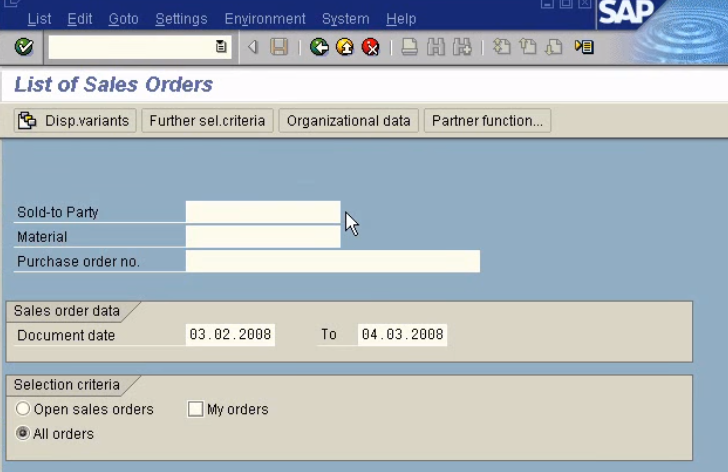
The transactions VA05 and also the VA05N should be extended by additional fields or customer-specific fields.
-
Creating a GS1 DataMatrix Barcode with SAP Adobe Forms
In many companies there is now the requirement to mark products with a bar code of type GS1 Datamatrix directly from SAP. Unfortunately, the creation of a GS1 DataMatrix barcode…

-
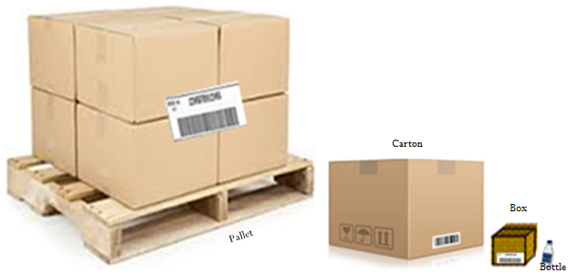
Extending the dialogue handling unit with user-defined fields
Customer-spezific fields should be displayed in the handling unit dialog, e.g. a customer enhancement of table VEKP. The following section shows how you can display customer-specific fields in the “Additional…
-
Create an SMTP connection from SAP to Office 365
Many companies use Office 365. This package also includes Microsoft Exchange to send emails. The following tutorial explains how to configure the e-mail outbox in SAP to establish an SMTP…
-
Integration of a GOS graphic into an SAP Adobe form
In many SAP objects, Generic Object Services (GOS) can be used to link additional information to the object. In many cases, files (Word documents, Excel sheets), i.a. also graphics are…
-
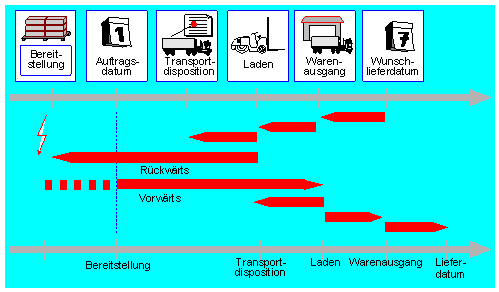
Delivery split in VL10C according to material and quantity
In the data transfer routine when creating deliveries for sales orders, the delivery split can be executed according to various criteria. However, it is not possible to realize a split…
-
Printing barcodes in SAP
Printing of bar codes in SAP is not associated with any particular difficulties. In the device type definition of your printer, you can check which barcode types are supported. If…