











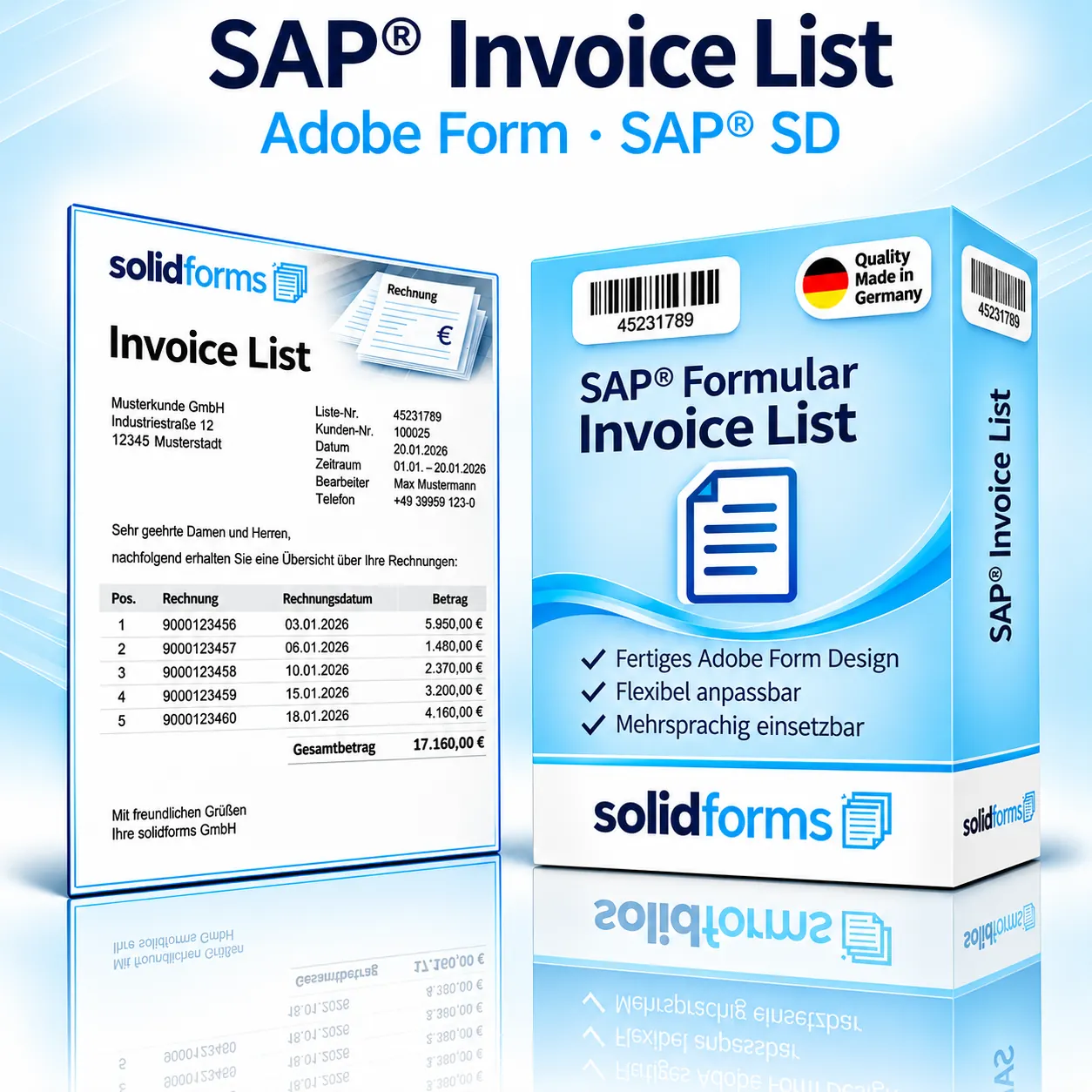
SAP® SD · Adobe Form · Invoice List
A professional SAP® invoice list for your sales operations – combining multiple individual invoices into one clearly structured document. The layout provides a solid basis for customer-specific adaptations.
SAP® SD
Adobe Form
Customizable layout
The form at a glance
- Clear listing of multiple invoices with invoice number, date, sales order reference and amount
- Customer details, reporting period, individual amounts and grand total
- Space for custom texts and corporate design requirements
Your benefits
An invoice list tailored to your billing processes
Professional presentation
A consistent layout makes it easy for your customers to review and verify multiple invoices.
Customizable
Texts, logos, additional fields and layout details can be incorporated in a custom implementation. For more extensive customization and centralized maintenance concepts, learn more about solidFormKit.
Designed for SAP®
This form solution is designed for invoice summaries in the SAP® Sales and Distribution environment. For cross-system solutions, see our SAP® rollout and forms strategy.
In the business process
From SAP® invoices to a clear invoice list
Data from multiple SAP® billing documents is consolidated into an invoice list for a selected period and displayed using Adobe Forms. Actual data retrieval and output depend on the agreed implementation. For details about the technical approach, see SAP® form development with Adobe Forms.
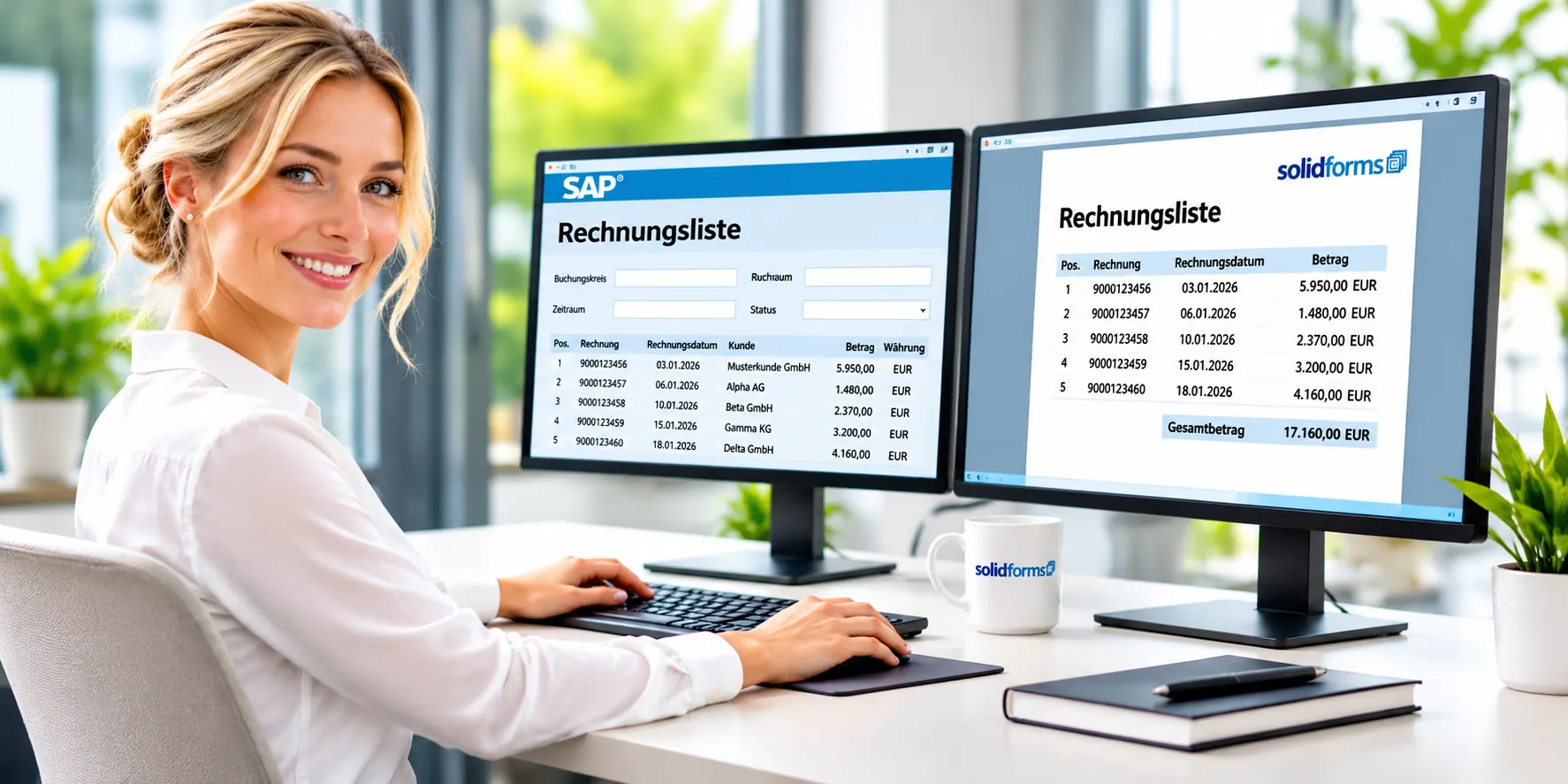
The product
What your invoice list could look like
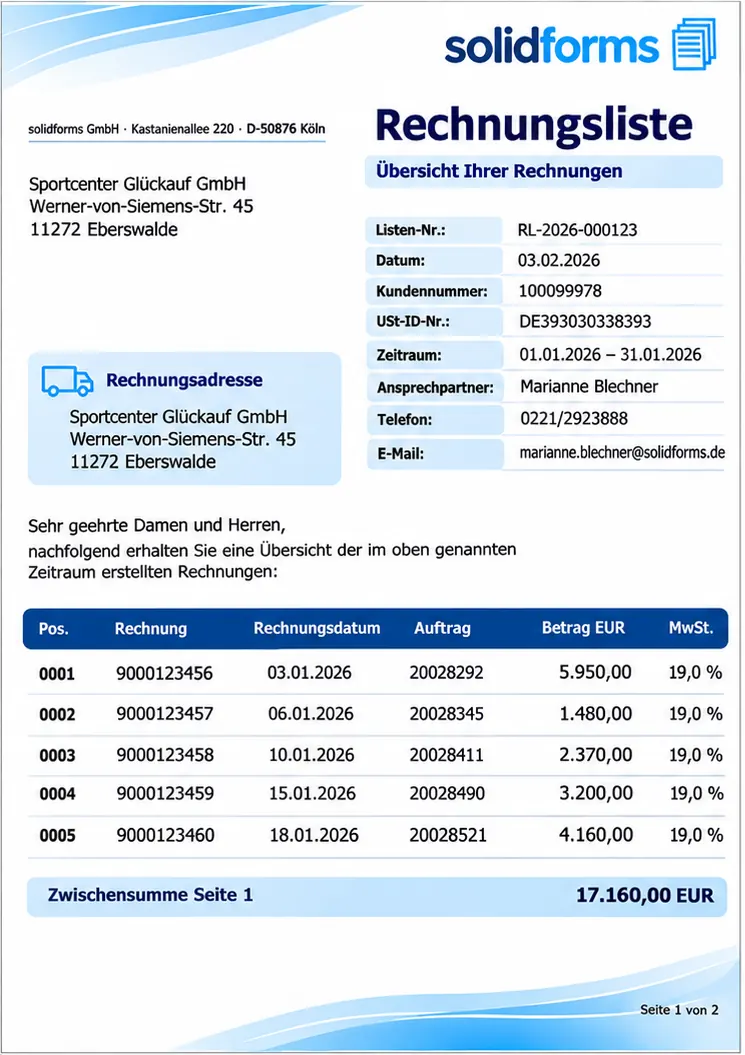
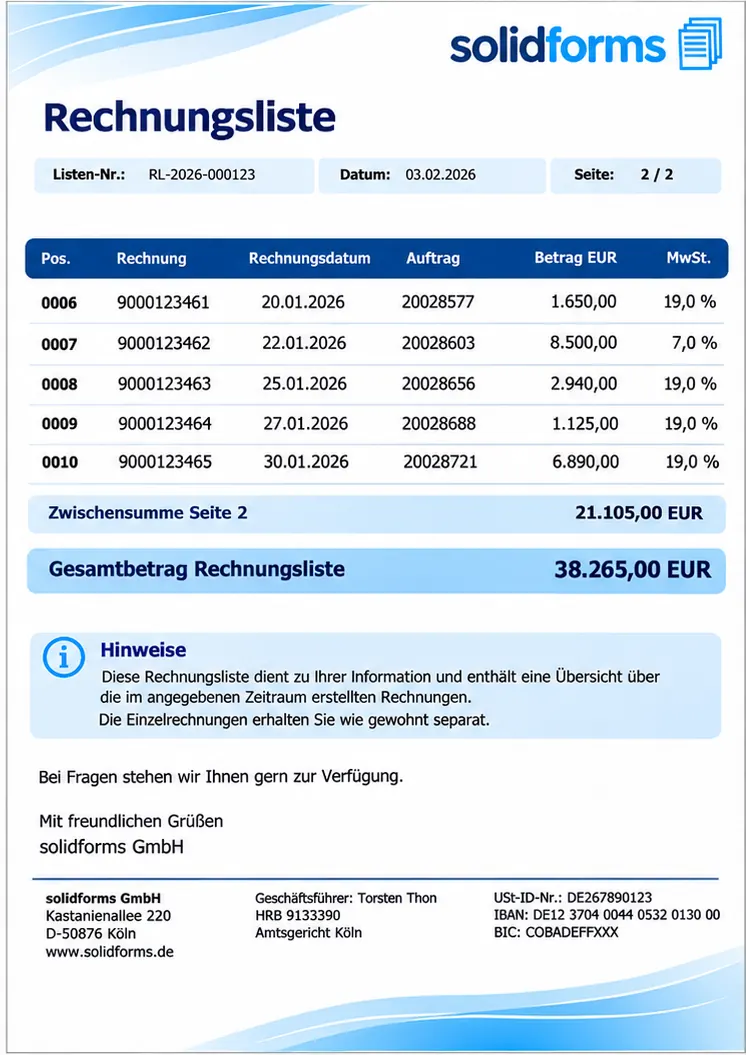
The two sample pages show the list header with recipient, period and list number, followed by individual invoices with invoice number, date, sales order number, amount and VAT rate. Page 2 contains additional invoices, subtotals and the grand total. Actual output depends on the delivered solution and your SAP® configuration.
Form contents
- Recipient, list number and reporting period
- Individual invoices with invoice number, date, sales order reference and amount
- Subtotals, VAT rates and the invoice list grand total
Typical customization requests
- Company logo, colors and stationery
- Language-dependent labels and texts
- Additional fields or special printing requirements
Process
From form product to productive use
Review requirements
We clarify which system and process requirements are relevant to your implementation.
Delivery and setup
Installation, integration and required settings are implemented according to the agreed scope of services.
Testing and approval
Relevant document scenarios are tested before productive use.
Invoice list output at a glance
This illustration shows a possible process from selecting multiple invoices and creating the list to its output. Supported output channels depend on the agreed solution.
Technical information
System requirements and scope of delivery
The invoice list is supplied as an SAP® transport request with installation instructions. The following overview summarizes the key technical specifications and services.
| Topic | Description |
|---|---|
| SAP® module | Sales and Distribution (SD) |
| Form technology | SAP® Adobe Forms |
| Supported SAP® versions | SAP® ERP 6.0 EhP7, EhP8 and SAP® S/4HANA |
| Scope of delivery | SAP® invoice list as a transport request, including installation instructions |
| Delivery | Electronic delivery of transport files and installation instructions |
| Installation and setup | Can be performed by the customer; available from solidforms on request for an additional fee |
| Customizations | Available on request for an additional fee |
| Support | By individual agreement |
| License and maintenance fees | No additional license or recurring maintenance fees charged by solidforms |
You receive the SAP® invoice list as an SAP® transport request, including installation instructions, and can install it in your SAP® system yourself.
On request, solidforms can provide installation, setup and customization. These services are not included in the product price and are charged separately by prior agreement. For details about our development services, see SAP® form development.
solidforms does not charge any additional license or recurring maintenance fees for this form product. Any required SAP® licenses and operational services are separate.
Frequently asked questions
What customers want to know before ordering
Can the layout be customized?
Yes. Customizations can be requested. Their scope and effort depend on the desired changes.
Can I use my company logo?
Yes. Your company logo and corporate design can be incorporated on request for an additional fee.
How is the form integrated?
The form is delivered as an SAP® transport request with installation instructions. Integration into your existing output process and the selection of invoices depend on your SAP® system landscape.
Can I get advice before ordering?
Yes. Through our contact page you can share your requirements and questions.
SAP® form development · solidforms
Would you like to customize the invoice list for your company?
Whether you need corporate branding, additional invoice fields, selection criteria or special output rules, we discuss your requirements and determine the right implementation approach.
Reviews
There are no reviews yet.