











SAP® FI · Adobe Forms
SAP® Check Printing – Professional Check Forms for Financial Accounting
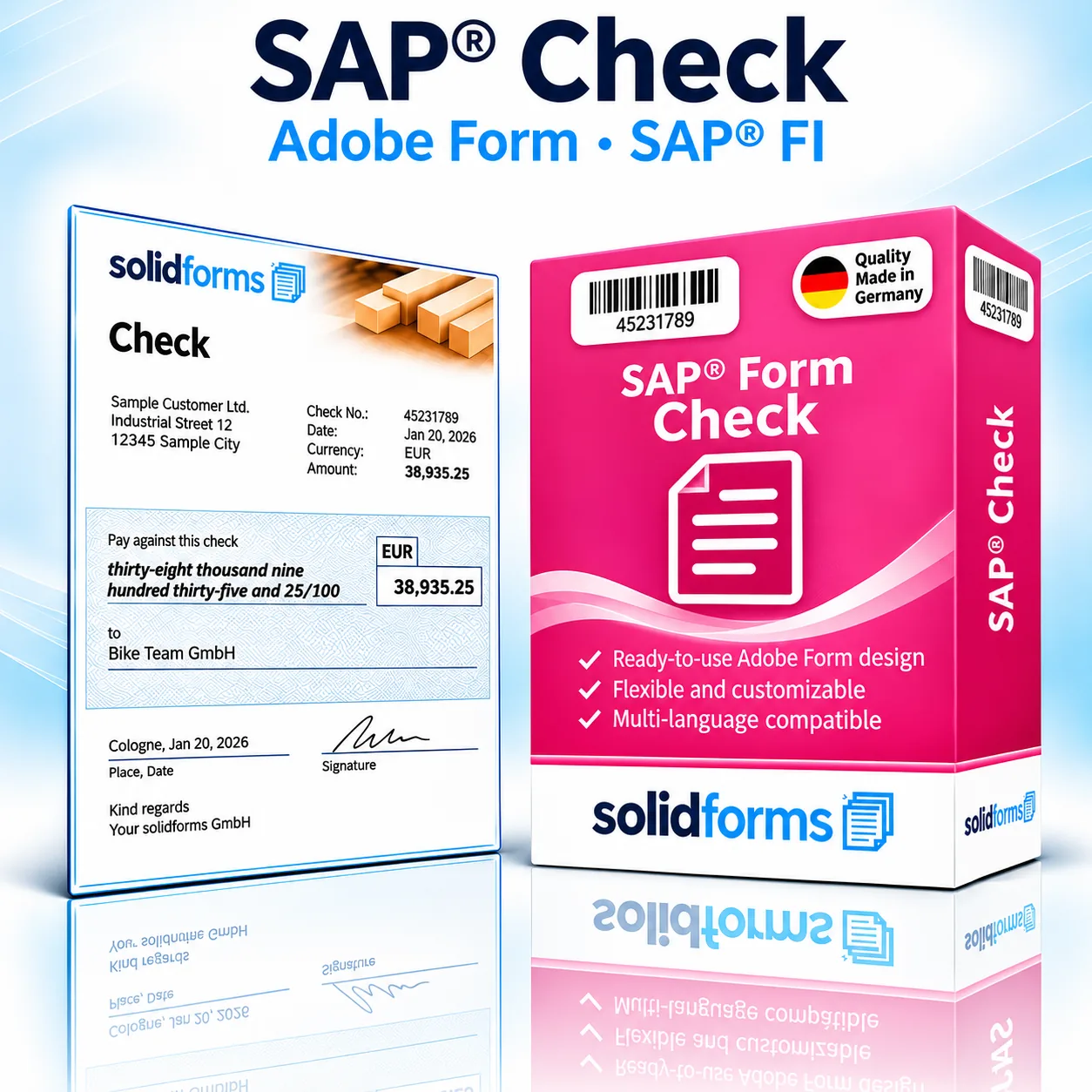
The SAP® Check Form enables you to create PDF-based check forms for SAP® Financial Accounting. The package supports standard FI checks and US checks, including check stock layouts, payment document details and MICR fonts for bank information.
Your Benefits at a Glance
- Standard FI and US check printing with Adobe Forms
- Position the check at the top or bottom of the form
- A4 or US Letter – tailored to your check stock
- Customizable layout, logo and text through configuration
Your Benefits
Flexible Check Printing for International Payment Processes
FI Check
Form with a check section and payment details for financial accounting.
US Check
Check printing with a MICR line for bank and account information.
Flexible Positioning
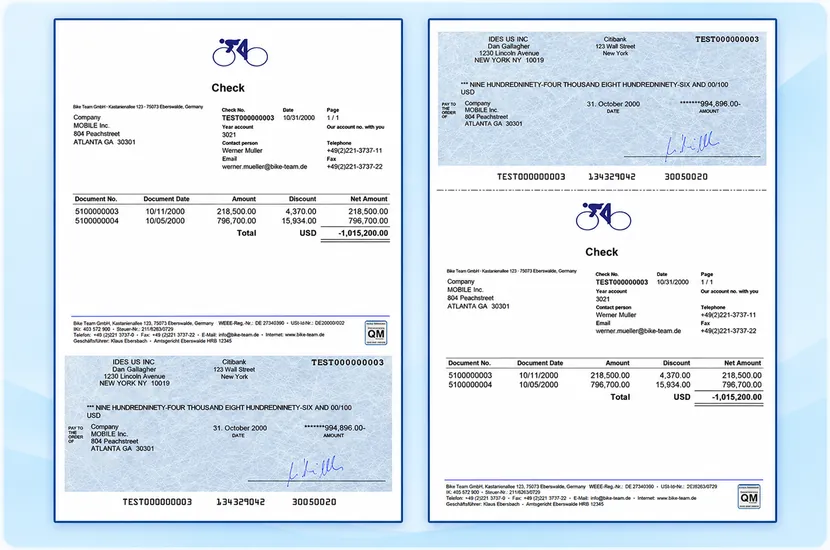
Place the check at the top or bottom of the form, depending on the preprinted stock.
Business Process
Check Printing from SAP® FI
The form is used in SAP® Financial Accounting for payment and correspondence processes. The print program, check stock, bank specifications and printing hardware are agreed upon before implementation.
Form Features
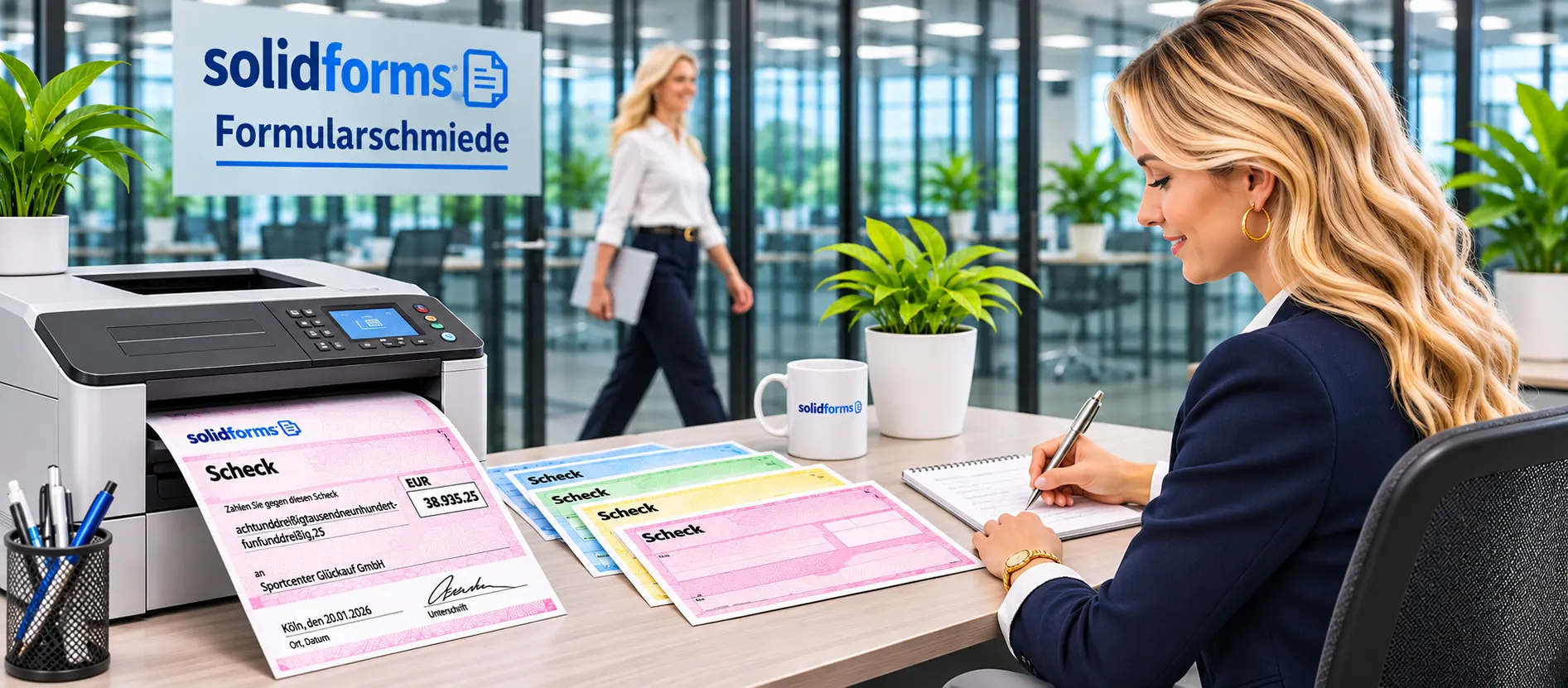
Check Layout and Payment Details
Check Information
Check number, date, payee, amount and bank details.
Document Overview
Related document numbers, amounts and deductions.
MICR Font
Bank and account numbers printed in MICR for suitable US check printing processes.
Text Configuration
Contact details, sender information and language-dependent text.
The Product
Two Sample Forms: Check at the Top or Bottom
The samples show both possible positions for the check section. Click the image to enlarge the two layouts.
Form Configuration
Customize the Check Layout and Text Settings
Layout and Check Stock
A4 or US Letter; check position and company logo configurable.
Company Codes and Languages
Sender details, footer and text can be configured by company code and document type.
For advanced form configuration and translations, solidFormkit can be used. Learn more about SAP® form development.
Implementation Process
From Template to Production Check Printing
01 · Requirements
Agree on check stock, SAP® release, printers, languages and check format.
02 · Integration
Set up the Adobe Form, print program, interface and configuration as agreed in the quotation.
03 · Testing
Verify check position, MICR output and printed checks with the bank.
Output
Reliable Check Printing on Approved Hardware
Output is generated as a PDF-based Adobe print form. For US checks requiring magnetic ink, the MICR font, compatible printer, toner or ink, and the bank’s requirements must be coordinated. The form template alone does not guarantee acceptance or processing by the bank.
Technical Information
System Requirements and Scope of Delivery
| Item | Description |
|---|---|
| SAP® Module | Financial Accounting (FI), check printing |
| Form Types | FI check and US check |
| Technology | SAP® Interactive Forms by Adobe |
| Paper Sizes | A4 and US Letter |
| Check Position | At the top or bottom of the form |
| MICR | Printing bank and account information using a MICR font; compatible hardware required |
| Layout | Customizable logo, sender details, contact person, document date and footer |
| Languages | German and English according to the previous product description |
| Output | Printing on agreed check stock |
| System Requirements | Previously specified: SAP® ECC 6.0 or later and Adobe Document Services (ADS); suitability for S/4HANA must be verified |
| Scope of Delivery | Adobe Form, print program and interface, configuration tools and documentation according to the previous product description |
Note: Compatibility with your specific SAP® environment, bank requirements and MICR printing technology will be verified before an order is placed.
Frequently Asked Questions
Frequently Asked Questions About SAP® Check Printing
Can the check be positioned at the top or bottom?
Yes. The check position can be configured at the top or bottom of the form to match the check stock.
Which paper sizes are supported?
The previous product description specifies A4 and US Letter.
Is MICR supported for US checks?
Yes. A suitable MICR font and an appropriately configured printing environment are required.
Can I use my own check stock?
Compatibility with your bank’s check stock will be assessed before implementation.
SAP® Form Development · solidforms
Looking for a Professional SAP® Check Printing Solution?
Whether you need custom bank check stock, US checks or support for multiple company codes, we review your requirements and prepare a tailored quotation.
Reviews
There are no reviews yet.