











SAP® Printing Processes for Third-Party Logistics Providers
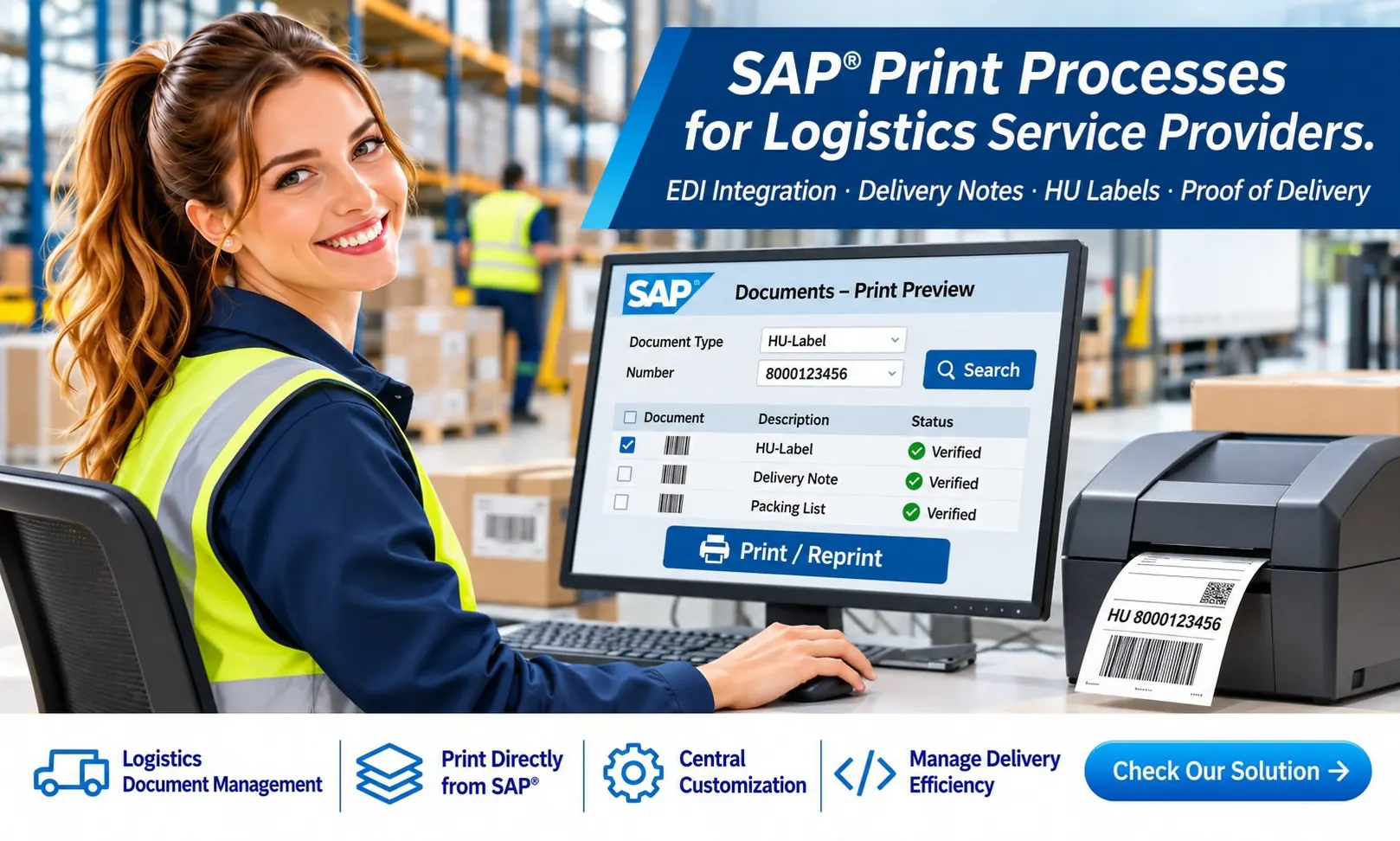
Reliable Document Printing for Outsourced Warehousing and Shipping
A company manages its business processes in SAP® S/4HANA but outsources warehousing, picking and shipping to a third-party logistics provider (3PL). The provider needs delivery notes, packing lists, handling unit labels and shipping documents – often in real time. Who generates these documents, how do they reach the packing station, and who can reprint them?
SAP® and External WMS
Delivery data and confirmations must be exchanged consistently between the systems.
Documents Where They Are Needed
Delivery notes and labels must be available at the right printer at the right time.
Controlled Reprinting
Damaged labels and lost documents must be reprintable without requiring extensive SAP® user access.
Four Printing Scenarios for Third-Party Logistics Providers
The right solution depends on data ownership, the WMS in use, network infrastructure, document types and operational requirements. Several scenarios are often used in parallel.
SAP® Generates – Logistics Provider Prints
SAP® generates the form as a PDF or in a suitable print data format. The document is transferred to the external warehouse and printed locally.
Key architectural considerations: Printer determination, secure transmission, reliable delivery and status feedback.
Logistics Provider Generates and Prints Documents
SAP® transfers the required delivery and product data. The provider’s WMS independently generates delivery notes or labels.
Key architectural considerations: Complete data, corporate design, legally required information and consistent document content.
Logistics Provider Triggers Printing in SAP®
A packing or shipping event in the WMS calls a secure SAP® interface. SAP® generates the requested document and returns it for local printing.
Key architectural considerations: Response times, authorizations, idempotency and prevention of duplicate print jobs.
Hybrid Printing Architecture
The delivery note comes from SAP®, the carrier label from the shipping system, and the HU label from SAP® EWM or the WMS.
Key architectural considerations: Coordinated triggers, clear responsibilities and consistent printing and reprinting processes.
Initial Data Transfer: EDI, IDoc and E-Log
The process often begins with the electronic transfer of delivery, material and shipping data to the third-party logistics provider. This may take place via EDI, IDocs, APIs or an existing E-Log connection. E-Log should be understood as a project-specific integration; message formats and interfaces must be clarified for the actual system.
It is important to distinguish between business data for logistics operations and finished documents or print jobs. Not every EDI message already contains a print-ready form.
Initial Printing: Which Event Triggers Which Document?
A packing operation is completed, an HU is scanned or goods issue is confirmed: the correct document must now be reliably available.

Print Triggers
Scanning, packing completion, shipping release or an automated WMS event.
Document Generation
SAP® Adobe Forms, SAP® EWM, an external WMS or a carrier system – depending on the scenario.
Local Printing
Printer assignment, PDF or label printing, response times and technical status feedback.
Reprinting Damaged HU Labels – a Critical Real-World Scenario
A barcode becomes unreadable, a label tears or a print job fails. The warehouse employee needs another printout without creating a new HU number or unintentionally triggering the shipping process again.

Scan or search for the HU number or delivery number.
Allow access only to documents authorized for this logistics partner and location.
Distinguish an identical reprint from a new document required for business reasons.
Print the document on the provider’s selected printer.
Record the user, time, document, printer and, where applicable, the reason for reprinting.
Important: An identical HU label reprint must retain the same business identity. If the HU contents or labeling requirements have changed, determine whether a new label is needed instead.
Web Portal for Logistics Providers: Self-Service Access to SAP® Documents
External warehouse staff often do not need full access to the SAP® interface. A secure web application can provide targeted search and reprinting of authorized documents.
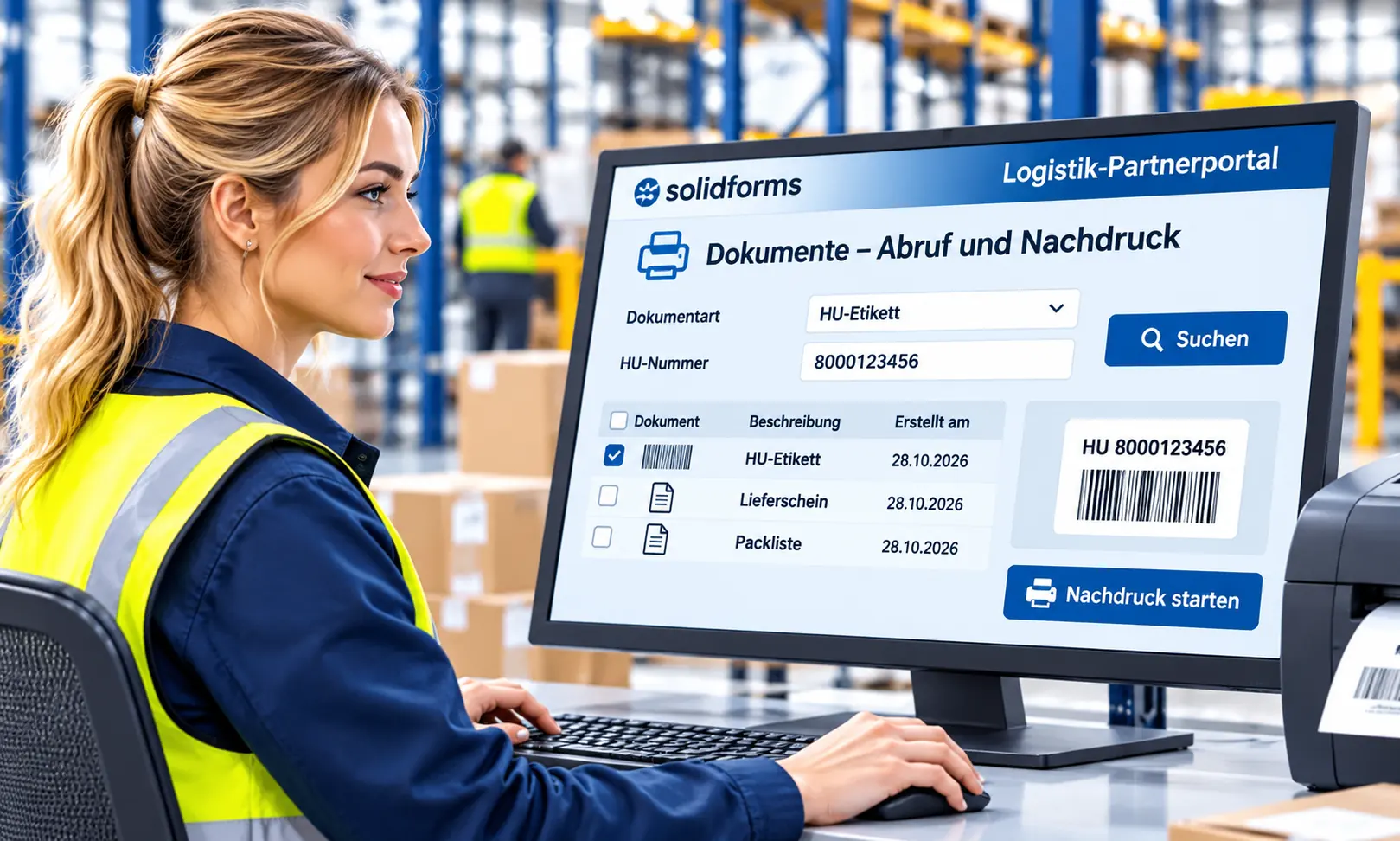
Search and Select
Enter an HU number, delivery number or shipping reference; select the document type and print destination.
Secure Integration
Authentication, role-based and partner-specific authorizations, secure APIs and logging.
Retrieve SAP® Document
Retrieve the original PDF from an archive or regenerate the form in SAP® under controlled conditions.
Depending on the system landscape, this can be implemented using SAP® Fiori, an application on SAP BTP or the logistics provider’s existing portal. The implementation depends on the available interfaces and SAP® product.
Reprinting Delivery Notes and Packing Lists
A delivery note has been damaged or is no longer available at the packing station. The portal should quickly provide the correct document without inadvertently changing its contents.
| Method | Benefit | Considerations |
|---|---|---|
| Archived PDF | Reprint the original document without changes | Archiving, versioning and access rights |
| Regeneration in SAP® | Generate the form from SAP® document data | Data and layout may have changed in the meantime |
| Regeneration in the WMS | Local availability | Data or layout versions may differ |
During architecture design, determine which documents must be reproduced unchanged and which may be regenerated.
International 3PL Landscape: Different Systems, Shared Standards
A company works with multiple logistics providers in Germany, Poland or Asia. International SAP® form rollouts therefore require consistent standards. Each partner may use different WMS solutions, printers, carrier integrations and portals.
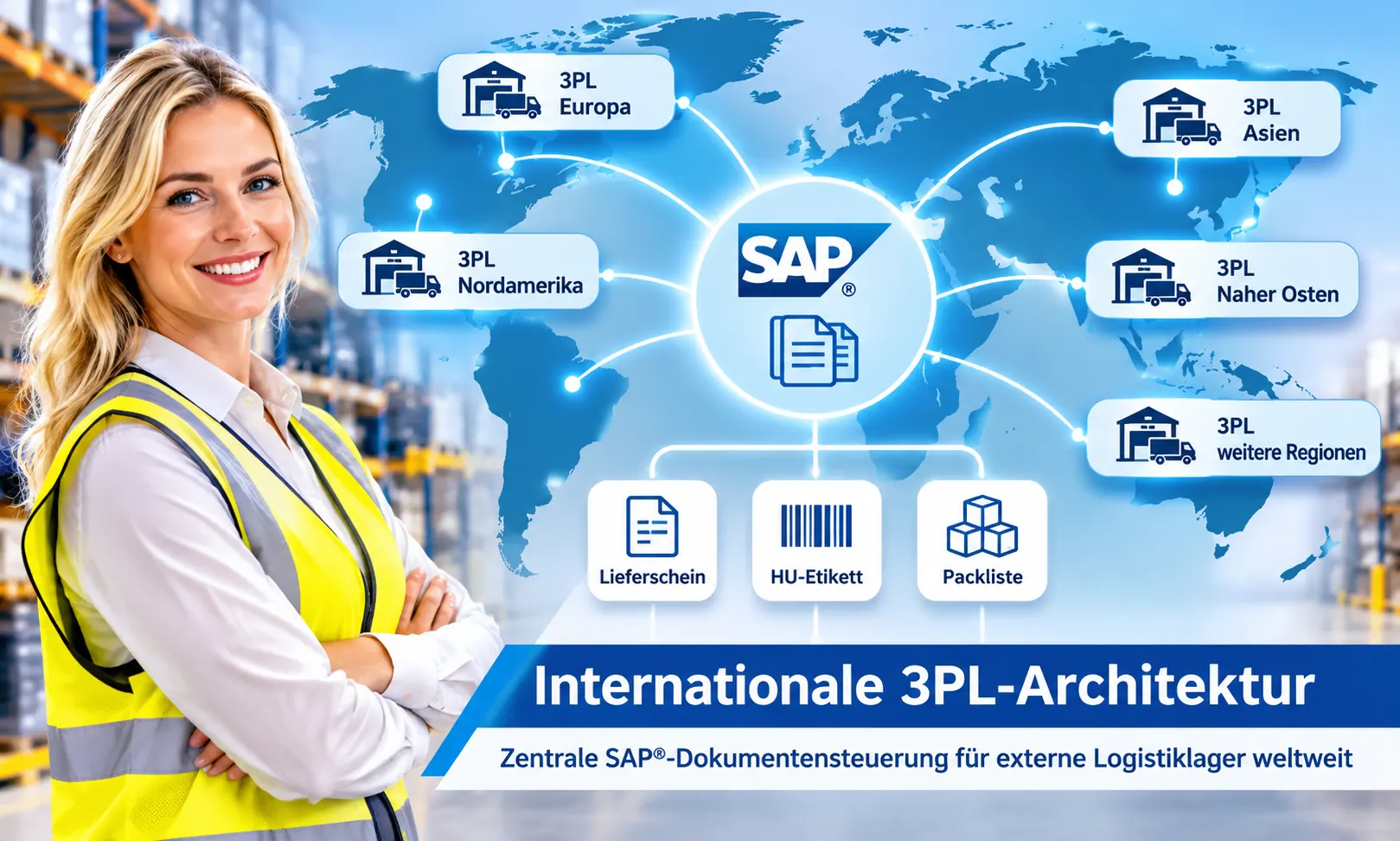
solidforms recommends a clear separation of SAP® data retrieval, form logic, interfaces and physical printing as part of a global SAP® form architecture. This allows shared forms and defined handoffs even when providers use different technical infrastructures.
Changing Logistics Providers Without Redeveloping Every Form
Changing a 3PL should primarily require adjustments to partner integration and printer configuration – not a complete redevelopment of delivery notes, HU labels and packing lists. This requires a consistently decoupled architecture.
How solidforms Supports You
We consider the entire process, from initial data transfer to documented reprinting, across SAP® and WMS system boundaries.
Analysis and Architecture
Assessment of existing EDI/E-Log interfaces, printing scenarios, responsibilities and document flows – for example in consulting workshops.
Forms and Integration
Consistent SAP® form strategy, data retrieval, PDF and label generation, and defined APIs.
Reprinting and Operations
Web portal concept, authorizations, printer control, archive retrieval, monitoring and testing.
The focus is on coordination between logistics operations, SAP® development, the external WMS provider and print infrastructure – minimizing maintenance-intensive custom solutions.
Frequently Asked Questions About SAP® Printing Processes for 3PL Providers
Who generates the delivery note when an external provider handles shipping?
Either SAP® or the logistics provider’s WMS can generate it. The decision depends on data ownership, document requirements and agreed interfaces.
How can a warehouse employee reprint a damaged HU label?
An authorization-controlled web portal or WMS function can identify the HU and request an identical printout. New numbers must not be assigned unintentionally.
Can a third-party logistics provider retrieve SAP® forms through a web portal?
Yes, provided that suitable secure APIs and an authorization architecture are available. Full direct SAP® user access is not necessarily required.
What role do EDI and E-Log play?
Depending on the system landscape, they transfer delivery and logistics data as well as status messages. Document generation and printing must be designed separately.
Should a delivery note be regenerated or retrieved from an archive when reprinting?
If the originally issued content must be reproduced exactly, retrieving the archived original is often preferable. Regeneration must account for possible changes to data or layout.
Does every logistics provider need its own forms?
Not necessarily. Standardized templates, shared data retrieval and partner-specific interfaces can significantly reduce the number of individual forms.
What happens when changing logistics providers?
A decoupled architecture makes switching easier: partner integration and printer connections can be adapted while retaining central SAP® forms wherever possible.
Your Warehousing Is Outsourced – Your SAP® Printing Processes Still Need to Work.
Whether you need EDI integration, automated delivery note printing or reprinting of damaged HU labels, solidforms works with you to develop a consistent, maintainable printing and forms architecture for third-party logistics providers.