












Why Forms Become a Bottleneck in International SAP® Rollouts
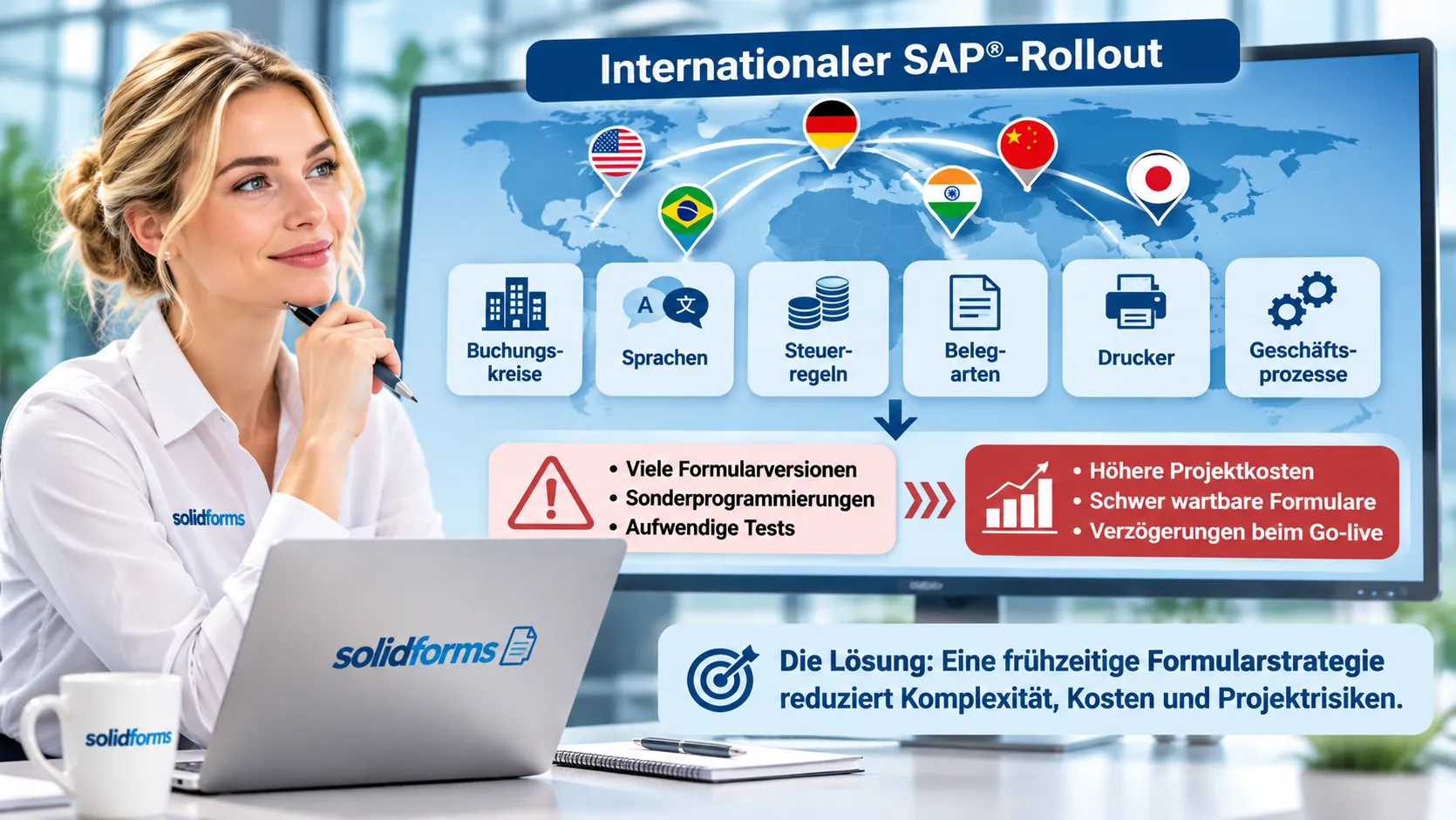
Every new country adds requirements: additional company codes, languages, tax rules, document types, printers and local business processes. Without an overarching strategy, new form versions, custom developments and extensive testing quickly proliferate.
The result is higher project costs, difficult-to-maintain forms and delays before go-live. Establishing a global SAP® forms architecture early prevents this complexity from multiplying with every additional country.
From a Pilot Company Code to a Global Form Standard
A new country provides an ideal starting point for defining standards. Rather than copying existing forms without review, we establish a robust foundation that can be reused for subsequent rollout waves with global templates.
1 · Pilot Country
Assess form families, master data, output rules and local requirements using a specific company code.
2 · Additional Countries
Adopt the approved standard and accommodate necessary local differences through configuration or targeted extensions.
3 · Existing Companies
Gradually migrate legacy form variants to the new architecture when suitable opportunities arise.
Combining Global Standards with Local Requirements

An international form standard must accommodate national requirements without automatically creating an entirely separate form for each country.
Real-world examples: Item-level tax information in India, Golden Tax-related invoice identifiers in China, certain tax amounts in local currency in Poland, specific address layouts in France and US Letter paper formats.
The applicable requirements are verified during the project with the responsible business and tax teams.
Manufacturing, Sales, Service and Logistics Need the Right Form Families
A globally consistent architecture does not mean that every business process must use the same form layout. Mechanical engineering, spare-parts sales, maintenance and logistics differ in line items, text, attachments and output timing.
Manufacturing and Sales
Quotations, order confirmations, delivery notes and invoices with material items, variants and technical details.
Service and After-Sales
Service orders, activity reports, spare parts, lengthy descriptions and customer-specific attachments.
Logistics and EWM
Packing lists, handling unit labels, shipping documents and different output processes from ERP or EWM. Learn more about our SAP® EWM forms.
Our guiding principle: As much standardization as possible – as much business-specific separation as necessary.
Central Configuration Instead of Country-Specific Programming
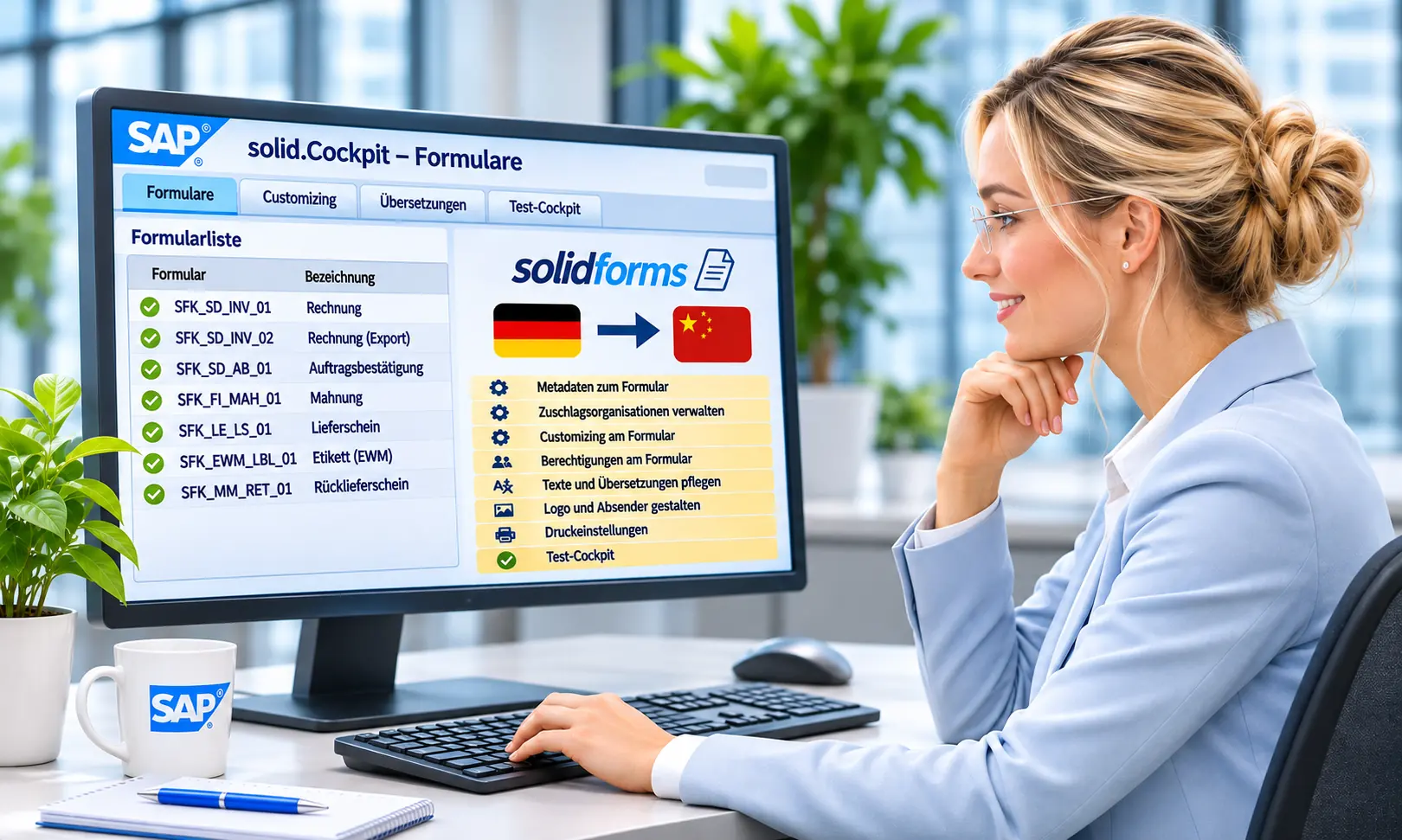
Recurring differences should not be hidden in countless ABAP conditions or copies of forms. Where appropriate, logos, sender details, text modules, language-dependent texts, bank details and layout rules are maintained centrally.
This makes it faster to onboard additional company codes and easier to implement changes in a controlled manner. The solidFormkit supports this approach with reusable functions and centralized maintenance.
Plan International Printing and Output Environments Early

A form rollout is only successful when the document is available in the right place, at the right time and through the right output channel.
This includes print servers, different printer trays, paper sizes, label printers, email, archiving and external warehousing and logistics providers (3PLs).
Integrating heterogeneous systems and deciding whether, for example, a delivery note is printed within SAP® or by an external provider must also be part of rollout planning.
Testing Strategy: Manage Variants and Reduce Go-Live Risks
International rollouts generate test combinations involving country, company code, language, document type, output type, output channel and business process. We organize these requirements into a test matrix and define which combinations must be verified before each release.
Transparent Test Cases
Traceable scenarios for each form family and country instead of unplanned one-off tests.
Targeted Regression Testing
Assess changes based on their impact on shared rules and affected variants.
Reliable Go-Live
Coordinated responsibilities, approvals and testing for printing, email, archiving and external output.
solidFormkit and Preconfigured SAP® Form Packages
With solidFormkit, logos, sender details, text modules, languages and other layout rules can be maintained centrally. Reusable functions help create a maintainable forms landscape.
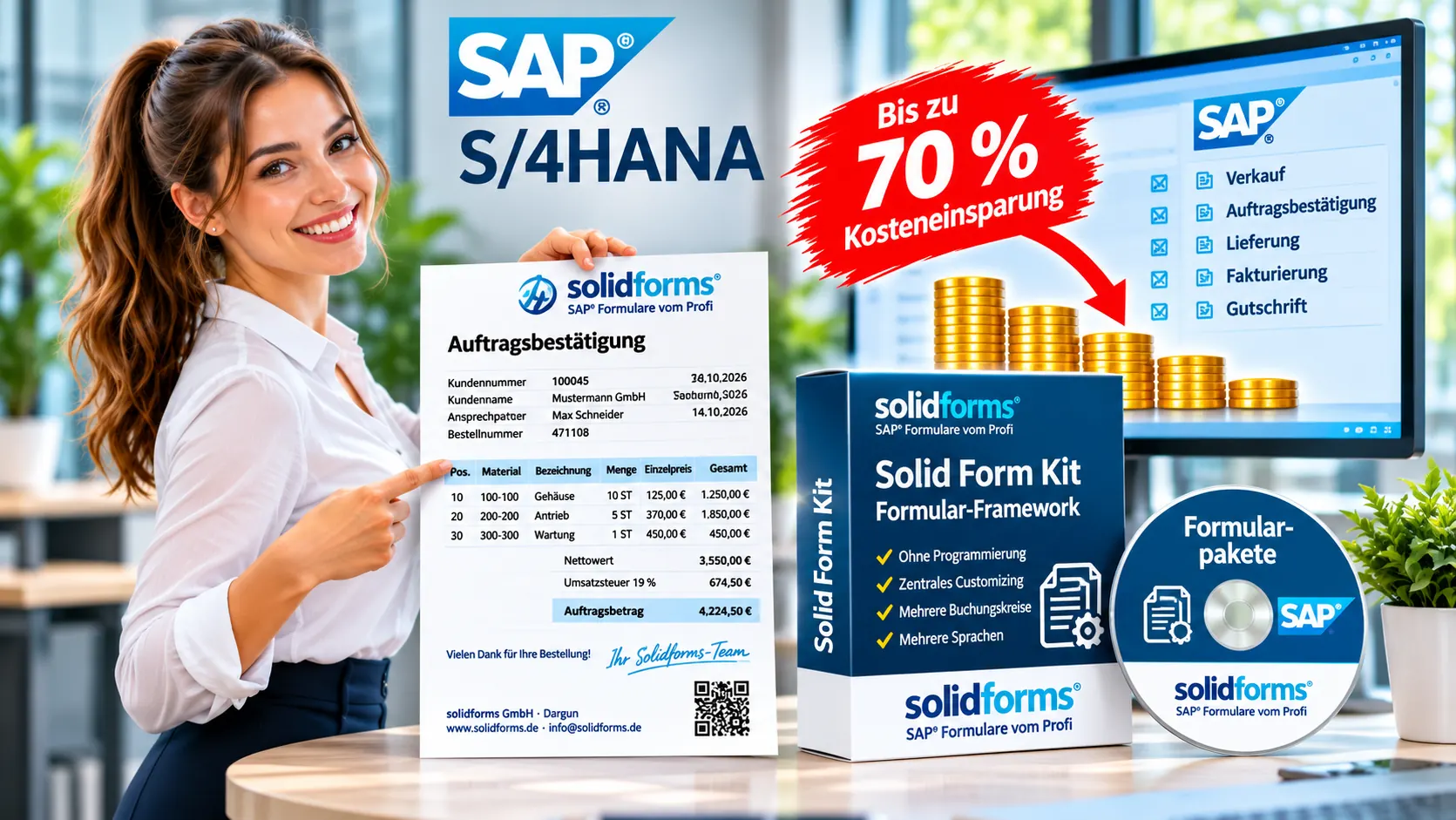
Preconfigured solidforms forms for invoices, order confirmations and other business documents can accelerate the start of a rollout.
Up to approximately 70% less initial development effort is an experience-based estimate for suitable requirements compared with developing everything from scratch – not a blanket savings guarantee.
Involve Internal Development Teams and Project Partners from the Outset

A sustainable long-term forms strategy is developed together with business departments, local subsidiaries, internal SAP® developers and participating project partners.
solidforms supports analysis and architecture, develops complex core forms and assists with piloting and rollout. Training and knowledge transfer enable your developers to maintain and extend the solution independently afterwards.
The objective is a clearly documented standard – not a lasting dependency on individual external developers.
Our Approach – From Analysis to International Go-Live
1 · Analysis
Inventory existing forms, country requirements, processes, print channels and project organization.
2 · Target Architecture
Define form families, central rules, responsibilities and the scope of the pilot.
3 · Pilot Implementation
Develop core forms, establish configuration and test with the pilot country.
4 · Rollout Waves
Introduce standards in additional countries and company codes in a controlled manner.
5 · Quality Assurance
Organize the test matrix, approvals, output processes and go-live support.
6 · Knowledge Transfer
Ensure documentation, workshops and handover to internal development teams.
Frequently Asked Questions About SAP® Forms Strategy for Rollouts
Does Every Country Need Its Own SAP® Forms?
No. Many differences can be handled through central settings, language-dependent texts and targeted extensions. Separate forms make sense where processes or legal requirements differ significantly.
When Should the Forms Strategy Begin in a Rollout Project?
Ideally before the first forms are developed and before local output processes are defined. A pilot company code is particularly suitable for establishing reusable standards.
Can Existing SAP® Forms Be Migrated Gradually?
Yes. A phased consolidation is often more cost-effective than migrating every company on the same date.
What Role Does solidforms Play in the Project?
Depending on project needs, we provide forms architecture, technical design, complex core form development, coordination of the forms workstream and knowledge transfer.
Planning an International SAP® Rollout?
Whether you are introducing a new country subsidiary, migrating to S/4HANA or harmonizing globally, we can discuss how to build a cost-effective, maintainable and scalable forms strategy.