










Global SAP® Forms Architecture
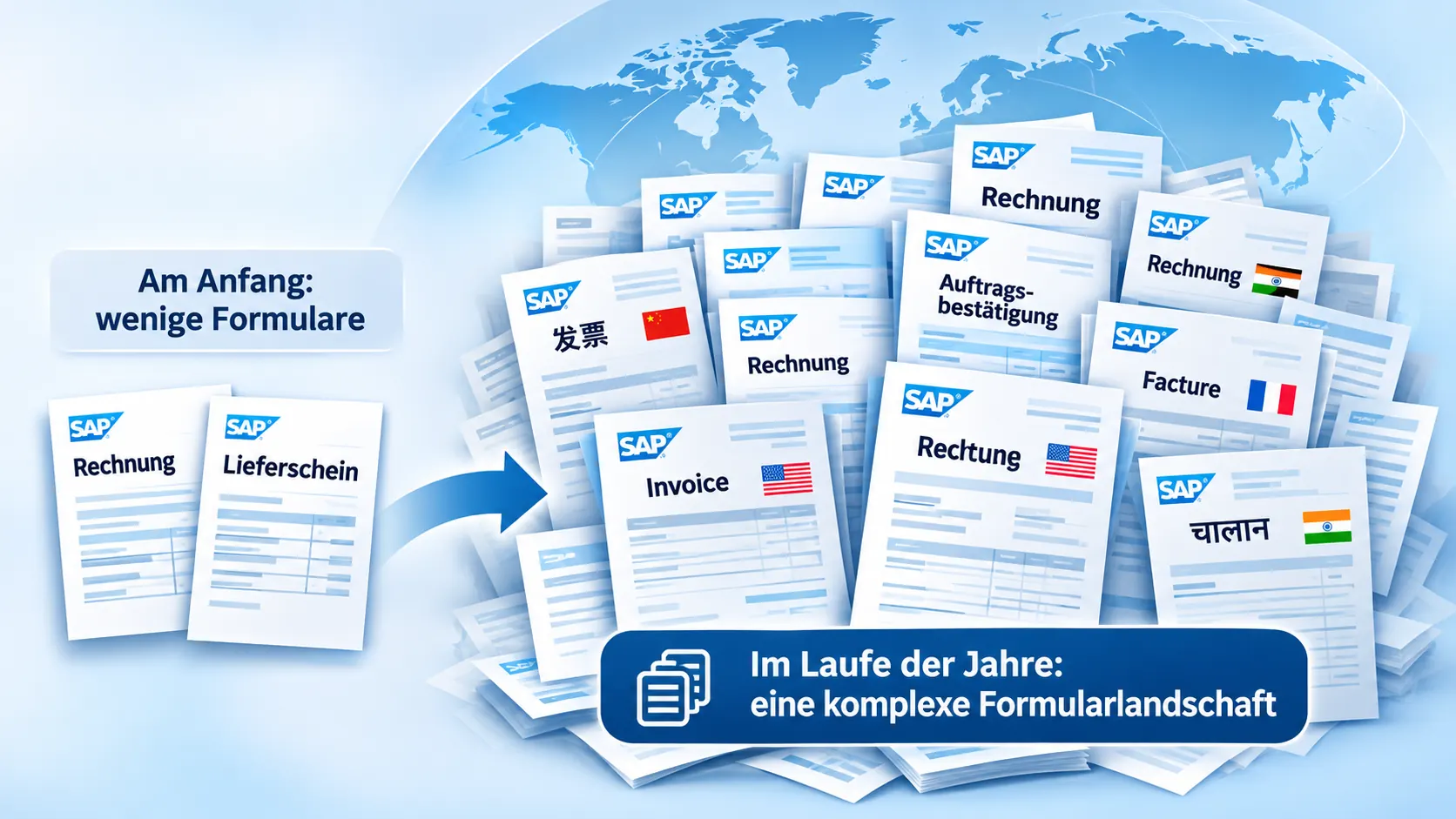
From a Few Forms to Hundreds
It often starts with one company code and a handful of invoices, order confirmations and delivery notes. As new companies, countries, languages and business units are added, the number of variants grows.
Existing forms are copied, customized and equipped with separate print programs or configuration rules. Every subsequent change increases maintenance and testing effort.
Our approach: Look at the entire forms landscape rather than optimizing individual documents in isolation. Learn more about our approach on the page Our Approach to SAP® Form Development.
High Maintenance Effort
The same changes have to be implemented across numerous form variants.
Complex Output Control
Company codes, output types, languages and output channels have evolved inconsistently over time.
More Regression Testing
Even minor layout changes can affect numerous business scenarios.
Managing International Requirements Reliably
A global forms architecture accommodates local requirements without automatically creating a separate form for every country.

| Country | Typical Requirement |
|---|---|

|
Tax details at item level |

|
Golden Tax-related invoice identifiers |

|
Tax amounts in local currency for certain foreign-currency invoices |

|
Customer- or process-specific address positioning |

|
US Letter instead of DIN A4 paper size |
Other factors include translations, currencies, logos, sender details, character sets and local business rules. Applicable legal requirements must be reviewed for each country and process.
Manufacturing and Service: Different Processes, Shared Standards
Standardization does not mean forcing every business area into one overloaded universal form.
Manufacturing and Sales
Configurable machines, material items, quantities, prices and technical product data determine document structure.
Service and After-Sales
Maintenance, repairs, spare parts, service confirmations and long texts often require different form families.
Shared Architecture
Central layout rules, language control, data structures and reusable functions connect forms serving different business processes.
Guiding principle: Standardize wherever possible, while keeping business processes separate where necessary.
Connecting Heterogeneous Systems, Printers and External Service Providers
Global printing processes span SAP® ERP and S/4HANA, EWM, TM, MES and WMS, as well as external logistics providers. The key questions are when, where and through which output channel a document is needed.
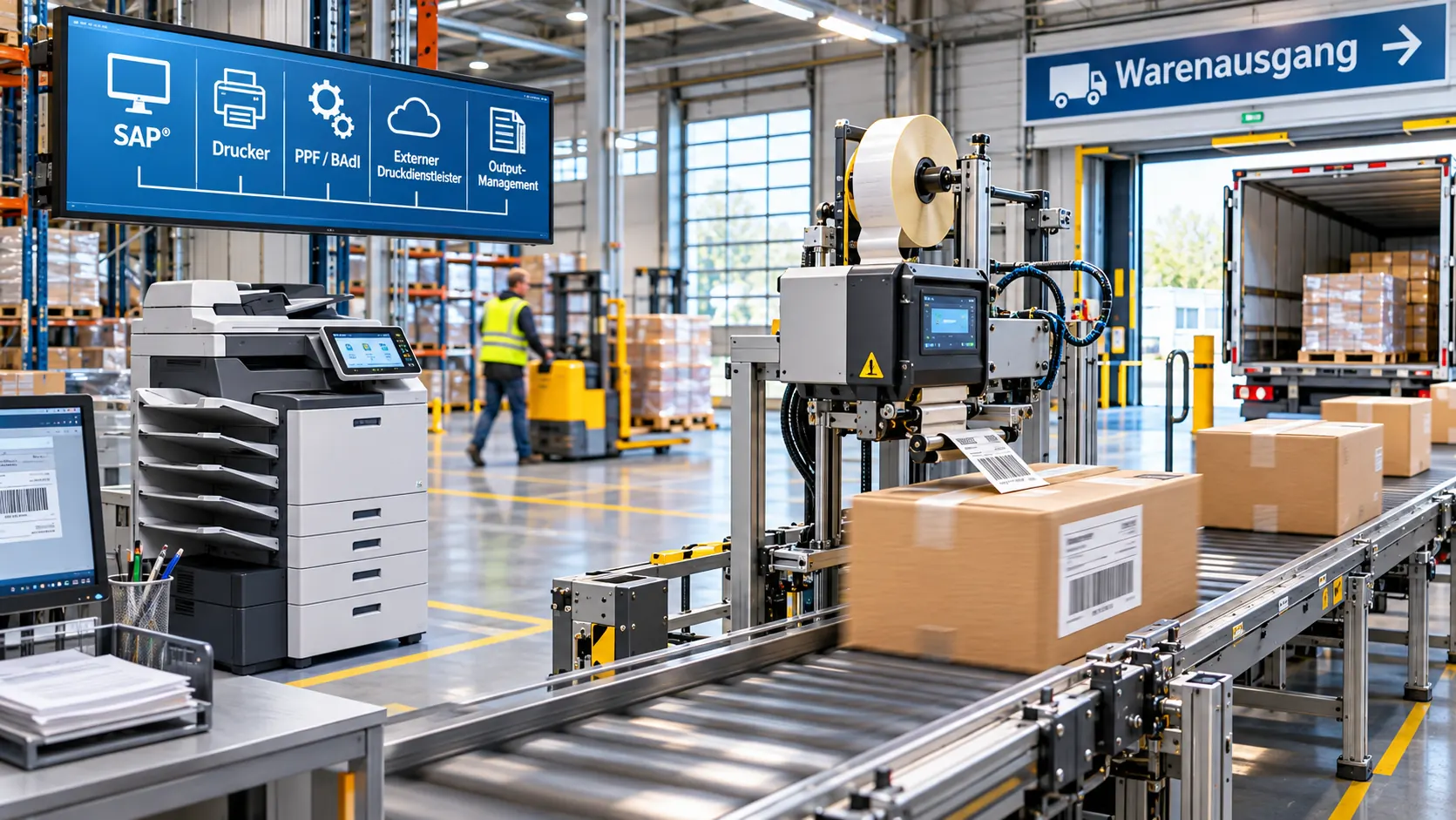
From Business Process to Printed Document
We consider IDoc and API interfaces, centralized or decentralized print servers, printer determination, labels, paper formats and preprinted stationery.
Output at external warehousing and logistics partners, as well as reprinting damaged labels through web applications, can also be part of the architecture.
Objective: The right document in the right place, without unnecessary duplicate form development. One practical example is our SAP® EWM Forms.
The Requirements Matrix as the Foundation of the Forms Strategy
Before consolidating forms, we capture the relevant dimensions and use them to define appropriate form families.
Organizations and Countries
Company codes, legal entities, plants, languages and local requirements.
Processes and Content
Sales, FI, logistics, service, line items, texts and attachments.
Technology and Output
Data sources, SAP® and third-party systems, interfaces, printers, email and archiving.
Our goal is not the smallest possible number of forms, but an economically sound architecture that remains maintainable over the long term.
solidFormKit and Preconfigured Form Packages
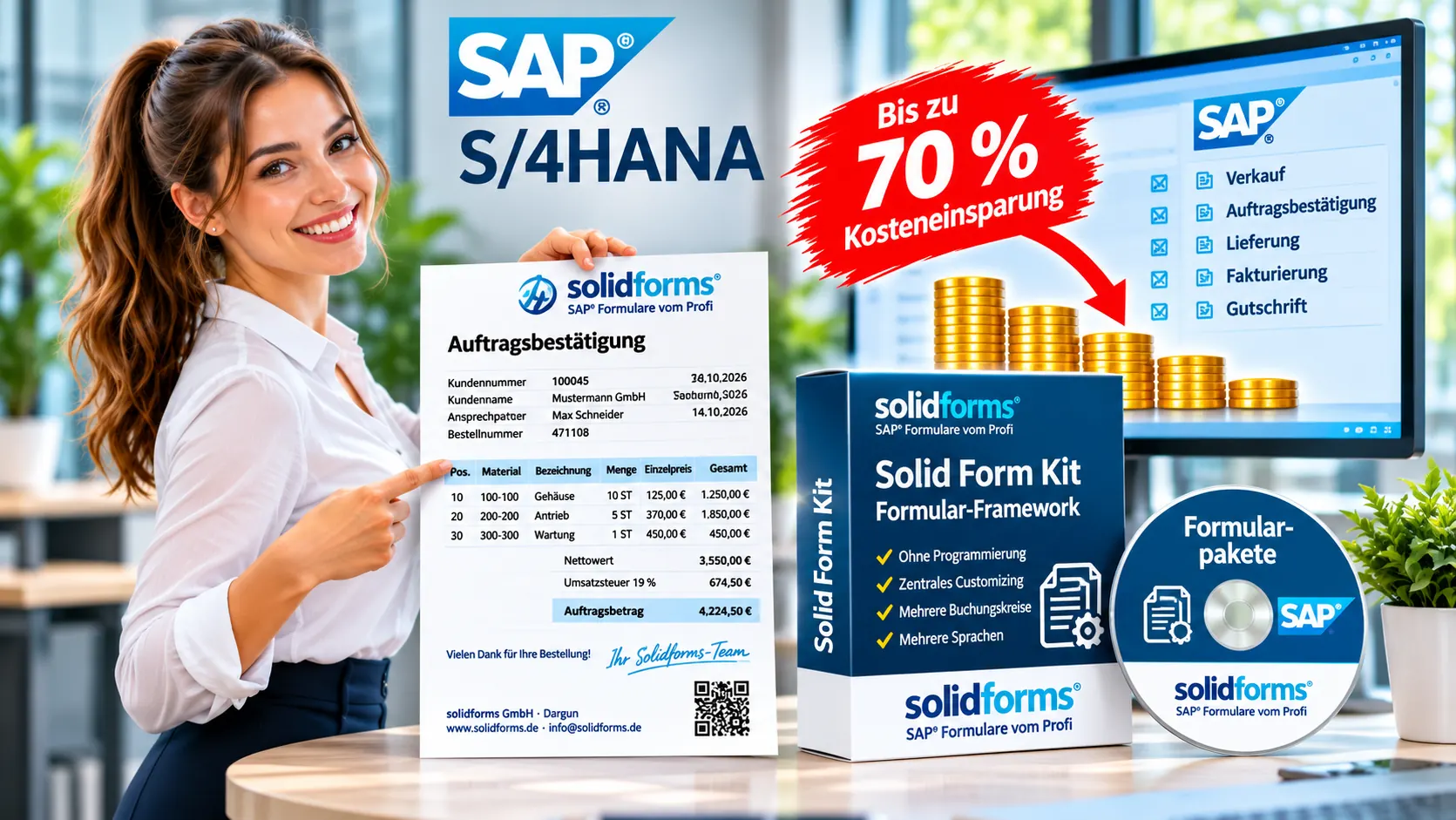
With the Solid Form Kit logos, sender details, text modules, languages and other layout rules can be maintained centrally. Reusable functions and testing capabilities support long-term maintenance.
Preconfigured solidforms templates for invoices, order confirmations and other business documents can accelerate implementation.
Up to approximately 70% less initial development effort is an experience-based estimate for suitable requirements compared with developing everything from scratch, not a blanket savings guarantee.
Central Configuration
Reusable layout elements and text modules for companies and countries.
Faster Project Kickoff
Preconfigured SAP® forms instead of developing everything from scratch.
Long-Term Maintainability
Consistent standards, clearly defined variants and targeted testing.
S/4HANA Migration and International Rollouts as an Opportunity
SAP® S/4HANA Migration
When migrating from SAP ERP 6.0 to S/4HANA, existing SAPscript, Smart Forms and Adobe Forms variants can be reviewed and modernized through targeted SAP® Form Development with Adobe Forms modernization.
International SAP® Rollout
A new company code can serve as a pilot for standardized form families. Following the pilot, additional entities can be migrated in stages.
Controlled Transformation
Instead of a risky, all-at-once overhaul, we focus on priorities, pilot forms and clearly defined test scenarios.
Designing the Architecture, Involving Development Teams and Preserving Knowledge

A successful forms architecture is developed together with business departments, in-house developers and consulting partners.
solidforms supports the analysis, develops complex core forms, defines standards and guides pilot implementations and rollouts.
Training and knowledge transfer enable your developers to maintain and enhance the solution independently. Our SAP® Consulting and Workshops help facilitate this knowledge transfer.
1 · Analysis
Assessment of the existing landscape, interviews and requirements matrix.
2 · Architecture and Pilot
Form families, central configuration and pilot company code.
3 · Rollout and Training
Phased implementation, documentation and knowledge transfer.
Frequently Asked Questions About Global SAP® Forms Architecture
Do all SAP® forms have to be combined into a single form?
No. Different business processes may require separate form families. What matters is reuse, centralized control and manageable testing effort.
When is consolidation particularly worthwhile?
Especially during S/4HANA migrations, international rollouts and in historically grown forms landscapes with many copies and variants.
Can the internal IT team maintain the solution afterward?
Yes. Consistent standards, transparent configuration, documentation and targeted training are integral to our architectural approach.
What role do preconfigured SAP® forms play?
They can reduce initial effort and provide a starting point for standardized form families. The actual benefit depends on the requirements.
Is Your Global Forms Landscape Still Manageable?
Whether you are planning an S/4HANA migration, an international rollout or dealing with a sprawling legacy forms landscape, we can discuss how to build a maintainable and cost-effective SAP® forms architecture.