











Case Study · SAP® Customer Service · Adobe Interactive Forms
Automating Service Notifications with SAP® Interactive Forms by Adobe
From handwritten field reports to interactive PDFs: How a medical care provider operating across multiple regions integrated route planning, patient care, material consumption and downstream processes into SAP®.

Illustrative image depicting the field-service scenario.
Business Scenario
Documenting Care Visits Without Media Discontinuities
A medical care provider operating across multiple regions supports patients at home, in hospitals, in care facilities or at holiday destinations. Healthcare professionals document medical services, materials consumed and any additional supplies required. This information must be reliably available in SAP® for billing health insurers and ensuring ongoing patient care.
The Initial Situation
Route schedules were sent by fax. After each visit, field reports and material orders were completed by hand and faxed to headquarters.
The Challenge
Back-office staff had to re-enter the information, create sales orders and archive paper reports. This involved considerable effort and introduced opportunities for errors.
Solution Approach
An End-to-End SAP® Process Using Interactive PDFs
The central business object is the service notification in SAP® Customer Service (CS). A route-planning report emails a prefilled Adobe Interactive Form for each patient visit. After the visit, the healthcare professional completes the information and returns the form. The response is processed automatically through SAP® inbound email.
Service notification
and send
care visit
to SAP®
SAP® documents
Schematic overview of the project workflow described.
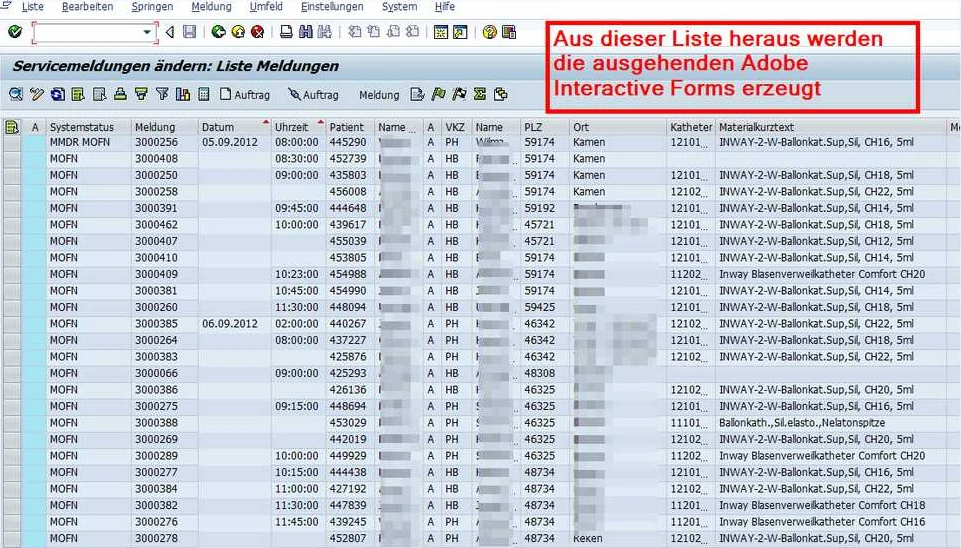
Interactive Field Report
One Form – Multiple Business Tasks
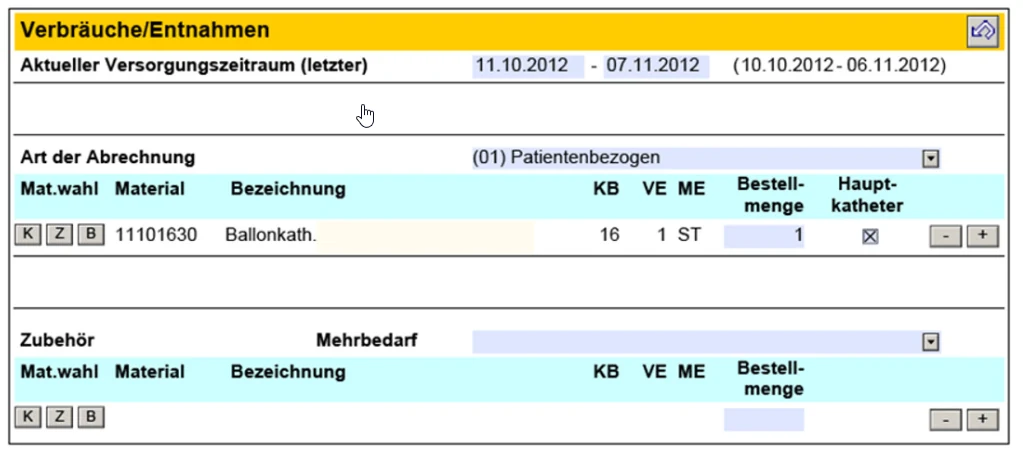
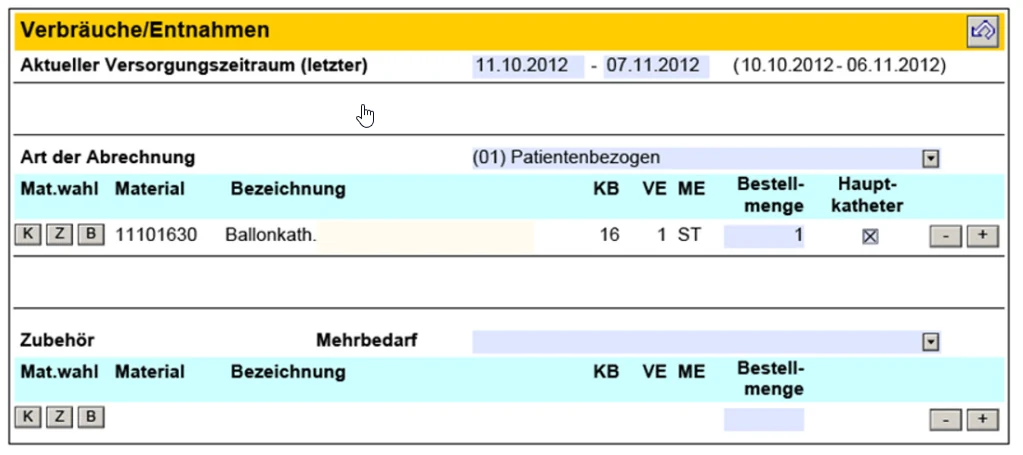
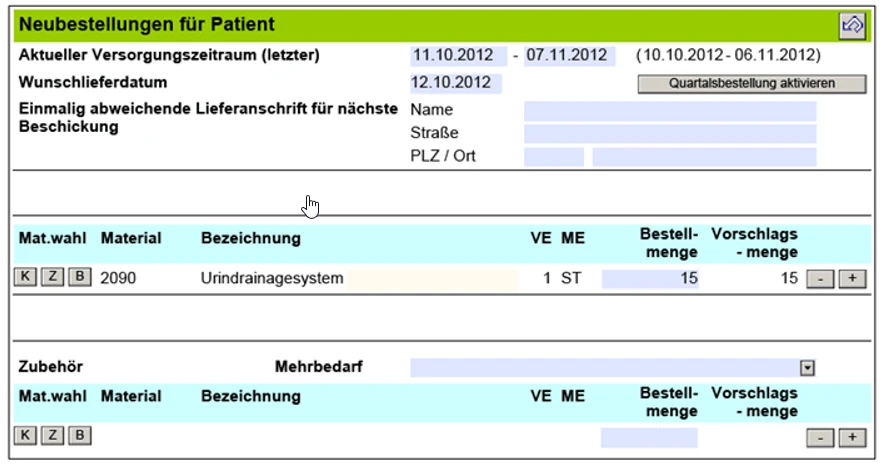
The interactive form combines SAP® data with proposed values. Permitted values, dynamic sections and plausibility checks support data entry.
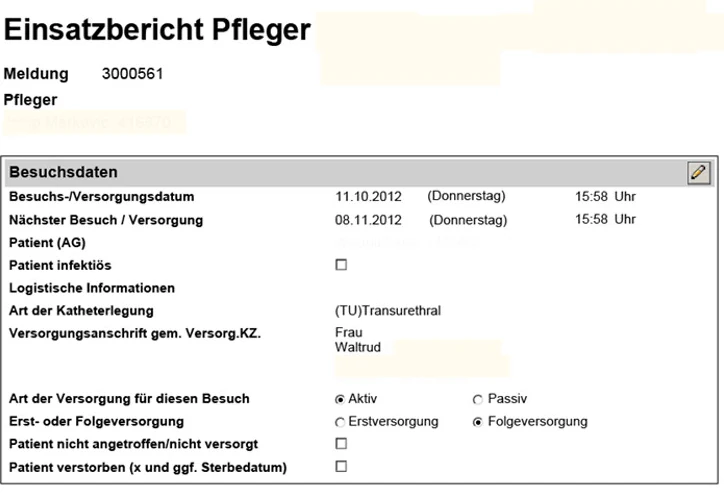
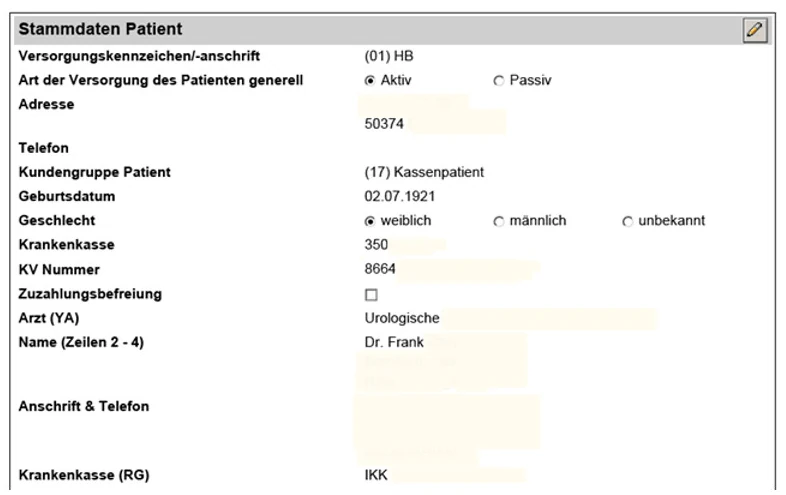
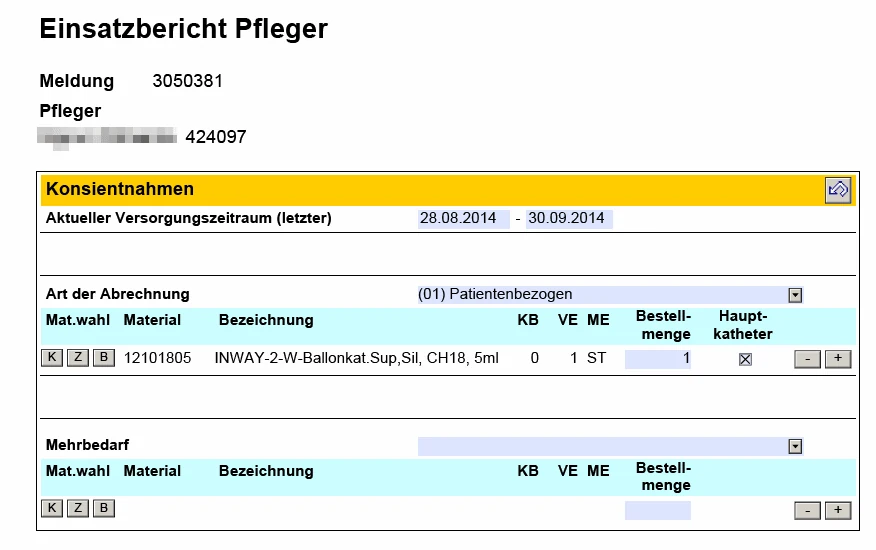
Technical Implementation
Four Development Components Connect PDF and SAP®
01 · ABAP Print Program
Retrieves current and previous service notifications, prepares proposed values and permitted value sets, generates the PDF and sends it by email.
02 · Adobe LiveCycle Designer
Interactive input fields, dynamic show/hide behavior, consistency and plausibility checks, and return of the completed form.
03 · Processing Responses via SAP® Inbound Email
Adobe Document Services extract the form data. An ABAP class processes the required actions, including master data changes, sales orders, consignment replenishments and new service notifications.
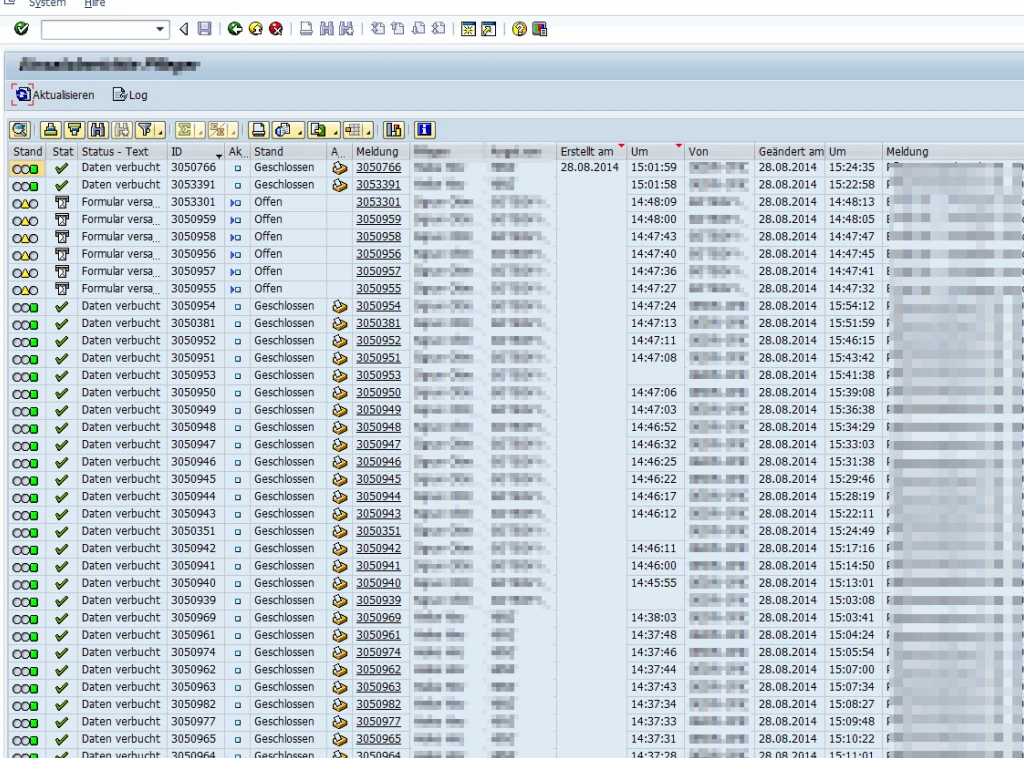
04 · Processing Monitor
Back-office staff monitor the status of incoming responses, resolve errors and can restart processing.
After successful processing, the form is locked against further input and archived for documentation.
Results
Less Administrative Work, Better Data Quality
Additional Improvements
Higher data quality, more comprehensive documentation without additional data-entry effort, and more effective provision of patient information to physicians.
Figures refer to the documented reference project and do not represent generally applicable savings guarantees.
Project Scope
Collaboration Between ABAP and Form Development
Implementation was carried out in close coordination with project management, key users and pilot users.
SAP® INTERACTIVE FORMS BY ADOBE
Looking to Automate Business Processes with Interactive PDF Forms?
solidforms supports you with process analysis, form development, ABAP integration and automated response processing in SAP®.
Discuss Your Project →