











SAP® Public Cloud Forms – Adobe Forms for SAP S/4HANA Cloud Public Edition
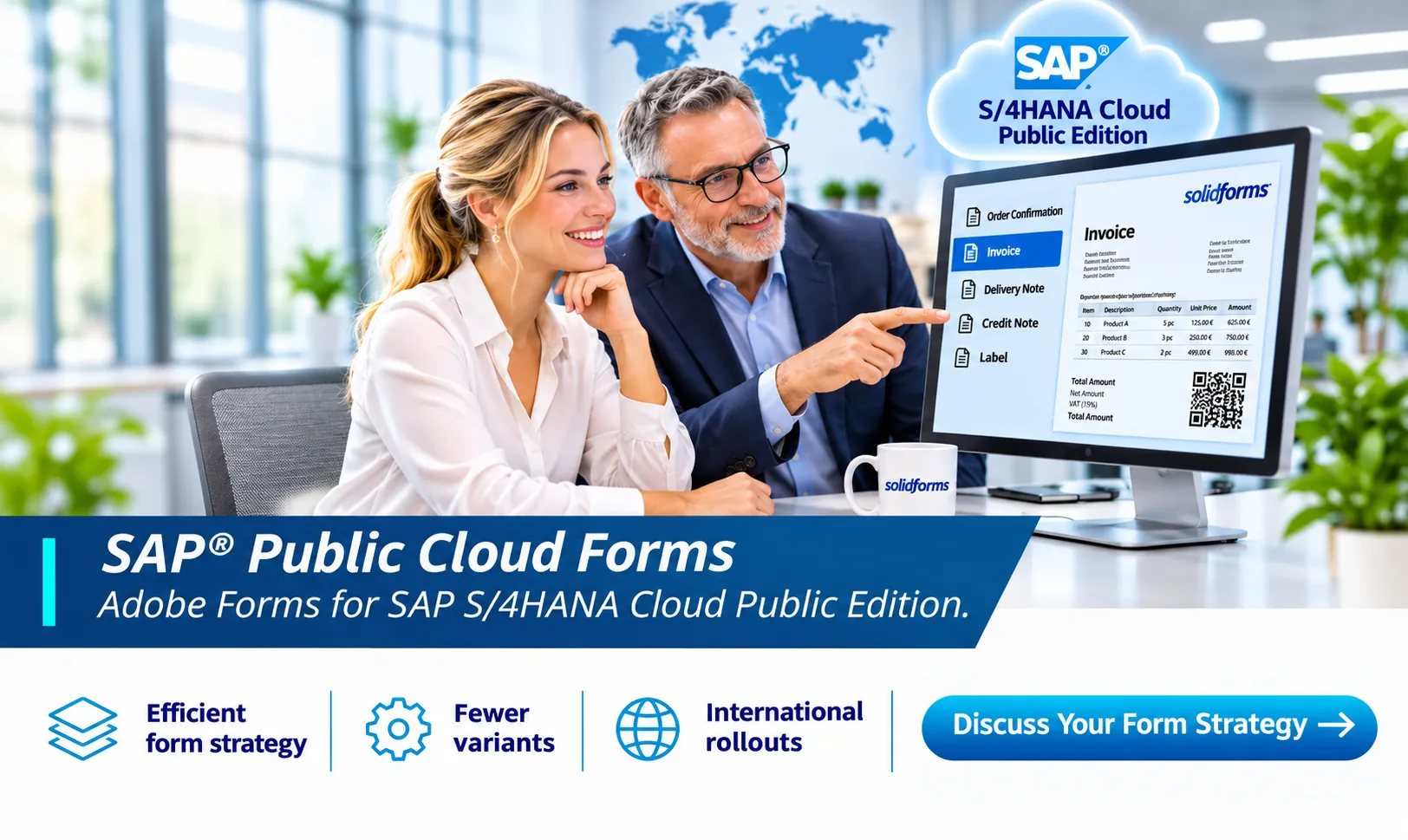
Efficient form strategy. Fewer variants. International rollouts.solidforms combines Adobe Forms development with a consistent form architecture – from templates and data retrieval to output through SAP® Output Management.
Forms in the SAP® Public Cloud: Fewer Variants, More Standardization
International companies quickly accumulate numerous form variants: different company codes, languages, logos, legal requirements and output channels. If every difference is addressed with a separate form template, maintenance and testing effort increases.
Our goal:As few forms as possible, as many as necessary – with a clear separation between layout, data retrieval and variable content.
Consistent Corporate Design
Shared design standards for order confirmations, invoices and other business documents.
Multilingual Forms
Manage language-dependent labels and content without creating unnecessary copies of layouts.
Standards Across Company Codes
Manage logos, sender details and footers through reusable rules and templates wherever possible.
Adobe Forms and Form Templates in SAP S/4HANA Cloud Public Edition
In the Public Edition, form templates are managed through the designated SAP® apps and released extensibility options. Adobe form templates are among the solutions used for PDF-based business documents.
TheMaintain Form Templatesapp supports form template management. Depending on the form type and supported process, Adobe LiveCycle Designer can be used to edit layouts.
The available data source, form template and output determination must be considered together. Not every extension familiar from classic SAP® systems is available in the Public Edition.

Output Management: Which Form Is Issued, When and How?
A good form solution goes beyond the PDF layout. Equally important are the rules that determine which document is generated and how it reaches the intended recipient.
Form Template Determination
Which template is used for a particular business process and scenario?
Recipient and Channel
How are email, print and other supported output channels determined?
Output Rules
How can relevant criteria be maintained and tested transparently?
Depending on the application, SAP® provides suitable standard settings and apps such asOutput Parameter Determination. The exact scope of functionality must be checked for each business object.
International Form Strategy for Countries, Languages and Company Codes

InternationalSAP® form rolloutsinvolve much more than translation. Differences in addresses, bank details, legal information, logos and business processes must also be addressed.
Based on aglobal SAP® form architecture, we analyze which differences truly require a separate form and which can be handled within a shared standard.
The result:A transparent template strategy with defined exceptions, fewer redundant changes and more predictable testing.
Custom Fields and Additional Data in Forms
Standard form templates do not always contain every required detail. For example, a company may need to print custom references, additional material information or specific shipping details.
In the Public Edition, the first step is to check whether the required field is available in the designated form data source and whether areleased extensibility optionexists. Custom fields and logic can only be added through extension points supported by SAP®.
Analyze the Data Source
Which fields and structures are already provided by the standard?
Check Extensibility
Are custom fields or released extensions available for the business object?
Integrate Cleanly
Provide additional data in a way that keeps form design and maintenance manageable.
Migrating Existing SAP® Forms to the Public Cloud
Whenmigrating to SAP® Adobe Formsfrom SAP ERP or S/4HANA On-Premise, existing SAPscript, Smart Forms and Adobe Forms solutions should not simply be copied across without review.
We first identify the forms actually in use, their variants, data sources and output processes. Our experience with theSAP® Form Archiveand its proven templates and components supports this analysis. We then assess which requirements are already covered by the Public Cloud standard and where permitted adaptations are needed.
This turns migration into an opportunity for consolidation– rather than carrying legacy custom solutions onto a new platform.

Our Approach – From Form Inventory to Go-Live
1 · Analysis & Workshop
Record document types, countries, company codes, languages, output channels and special cases.
2 · Target Architecture
Define the template strategy, standardization, data sources and permitted extensions.
3 · Pilot Form
Implement a representative business document and test the complete output process.
4 · Implementation
Implement further templates and required settings according to the agreed standard.
5 · Quality Assurance
Systematically test country, language and output scenarios.
6 · Knowledge Transfer
Enable internal teams to maintain templates, implement changes and carry out testing.
How solidforms Supports Your Public Cloud Project
solidforms specializes inSAP® form developmentand form architecture. We help business departments and development teams structure requirements, reduce variants and build solutions that remain maintainable over the long term.
Form Architecture
Consulting on template strategy, multilingual forms and international rollouts.
Adobe Forms Development
Design and adaptation of suitable PDF form templates within Public Cloud capabilities.
Project Support
Workshops and consulting, pilot implementation, coordination with internal teams and targeted knowledge transfer.
Frequently Asked Questions About SAP® Public Cloud Forms
Can I use existing Adobe Forms directly in the Public Cloud?
An unchanged migration is not always possible. Data sources, template formats, supported features and extensions must be reviewed for the relevant business object.
Can I print custom fields on invoices or order confirmations?
This depends on the data source and the extensibility options released for the business object. First check whether the field is already available in the standard.
Do I need a separate form template for every company code?
Not necessarily. Shared templates are possible when differences can be handled through supported data, layout rules or suitable template concepts.
How are form selection and email output controlled?
Output determination depends on the business process and uses the relevant SAP® settings and apps. Recipients, channels and template assignments must be reviewed for each scenario.
Does solidforms also support migration from SAP ERP or S/4HANA On-Premise?
Yes. We focus on analyzing existing forms, consolidating variants and developing a suitable target architecture for the Public Edition.
Build a Strategic Foundation for SAP® Public Cloud Forms
Are you planning to introduce SAP S/4HANA Cloud Public Edition or consolidate your existing form landscape? Let’s discuss which templates, data sources and output processes make sense for your business.